Cookie Settings

We use cookies to improve your experience, analyze traffic, and support our marketing activities. You can accept all, reject non-essential, or customize your choices. Cookie Policy and Privacy Policy.

All systems running well
Skip to main content

Visualization in Hamburg: buy or create it yourself?

Hamburg firms decide this project by project: the fine-tuned final image from a visualization studio, the variants for clients, the district and public participation from their own CAD. Vizera is the tool for the second part – in the browser, with prices in euros.

6,500+ registered users in CH, DE and AT.Over 100,000 visualizations in the first year.

  • Google for Startups
  • NVIDIA Inception Program
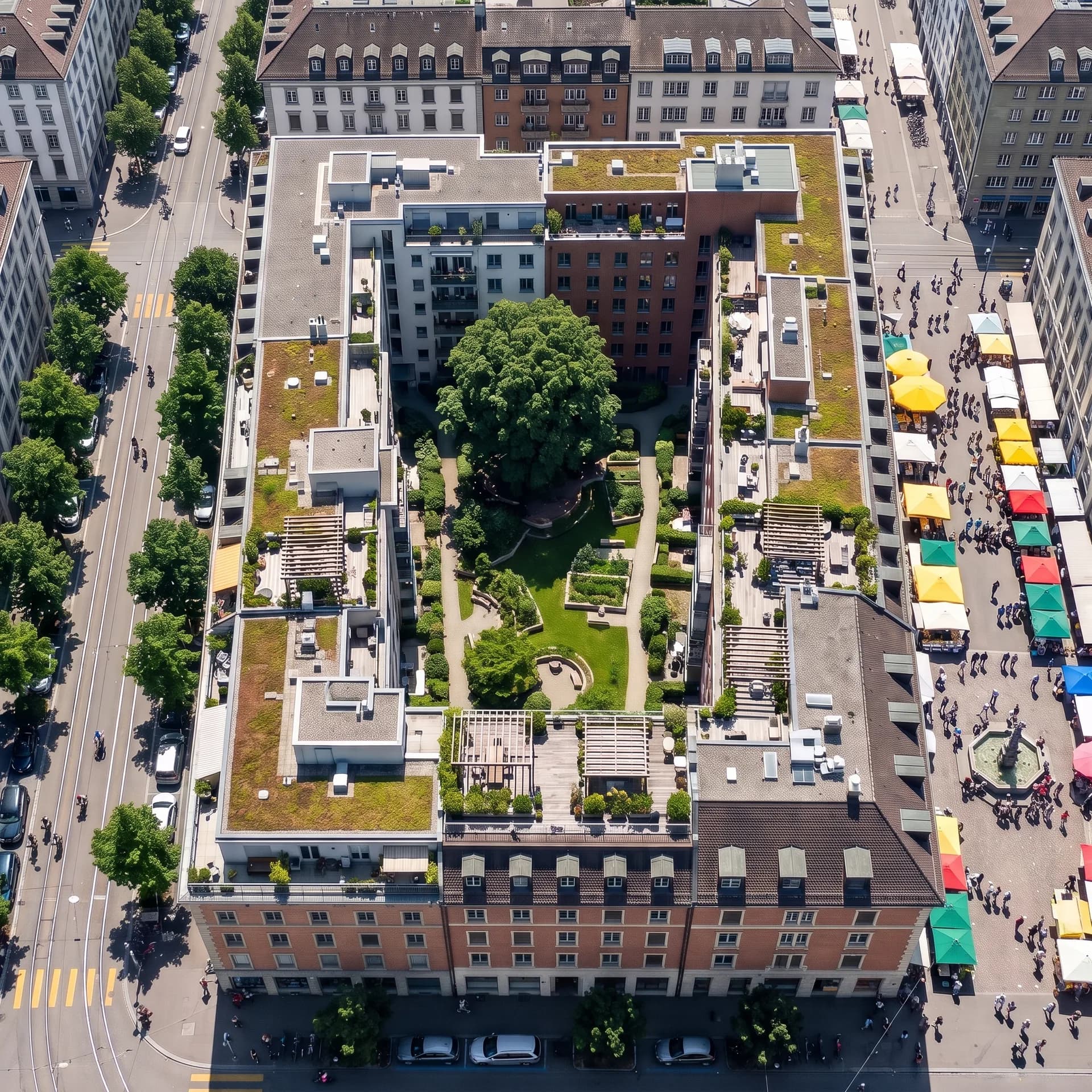
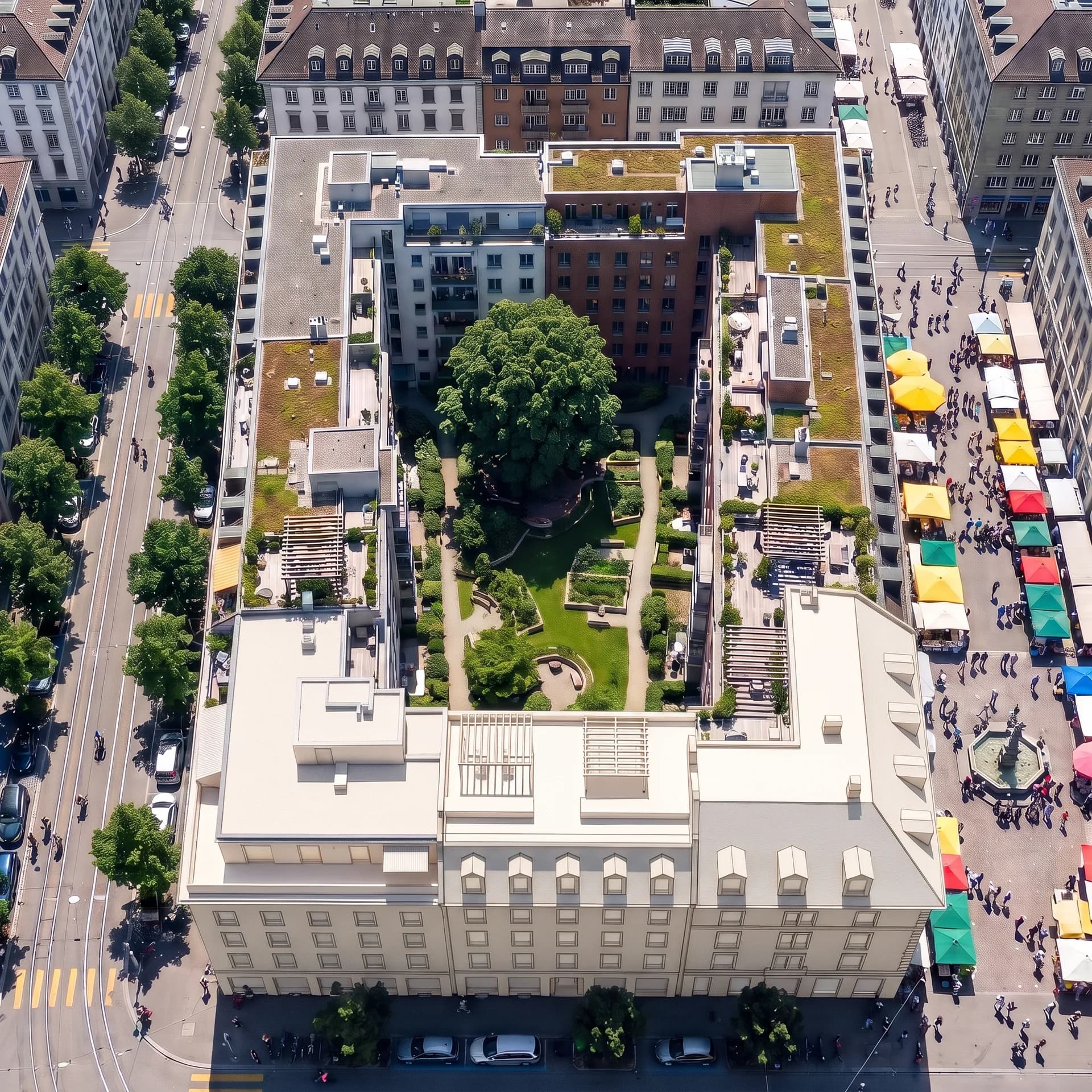
Urban perimeter block with a green courtyard from the air – as a model, in brick and limestone and at night.
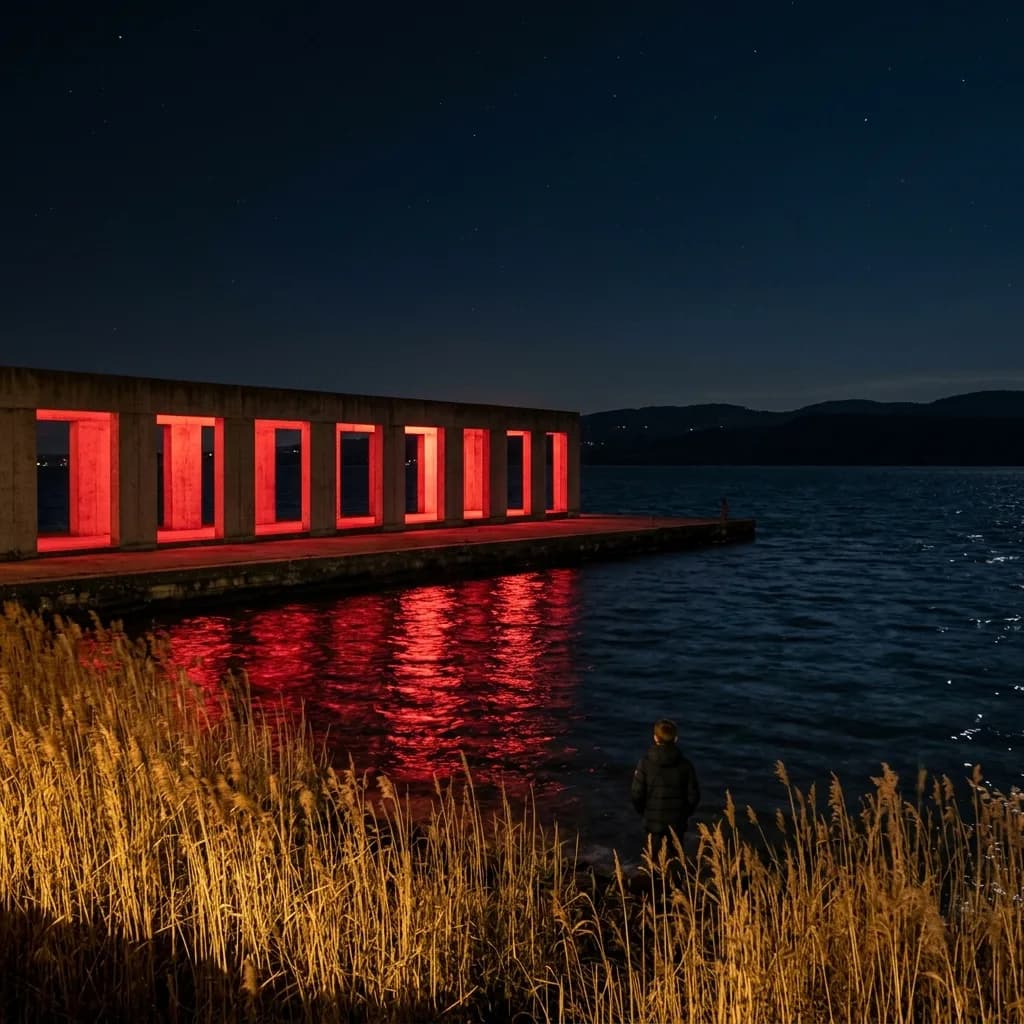
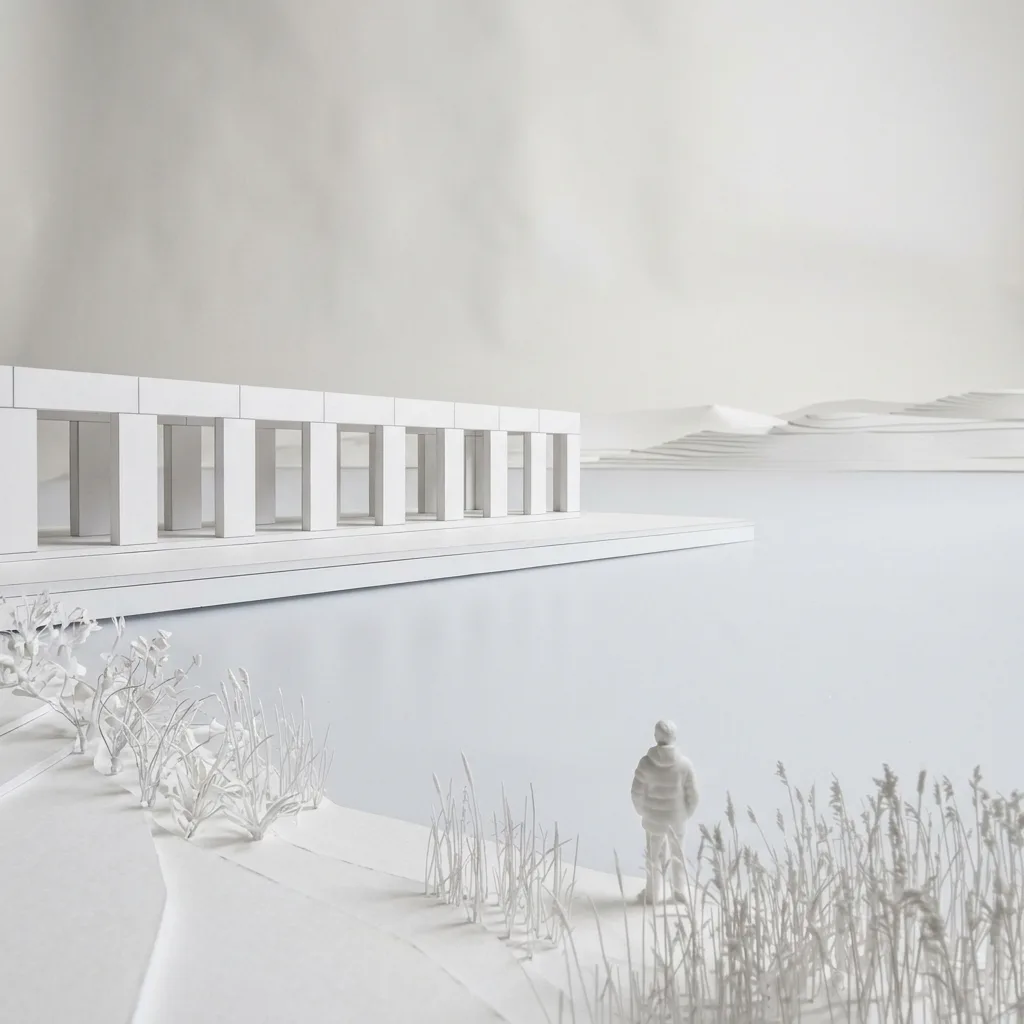
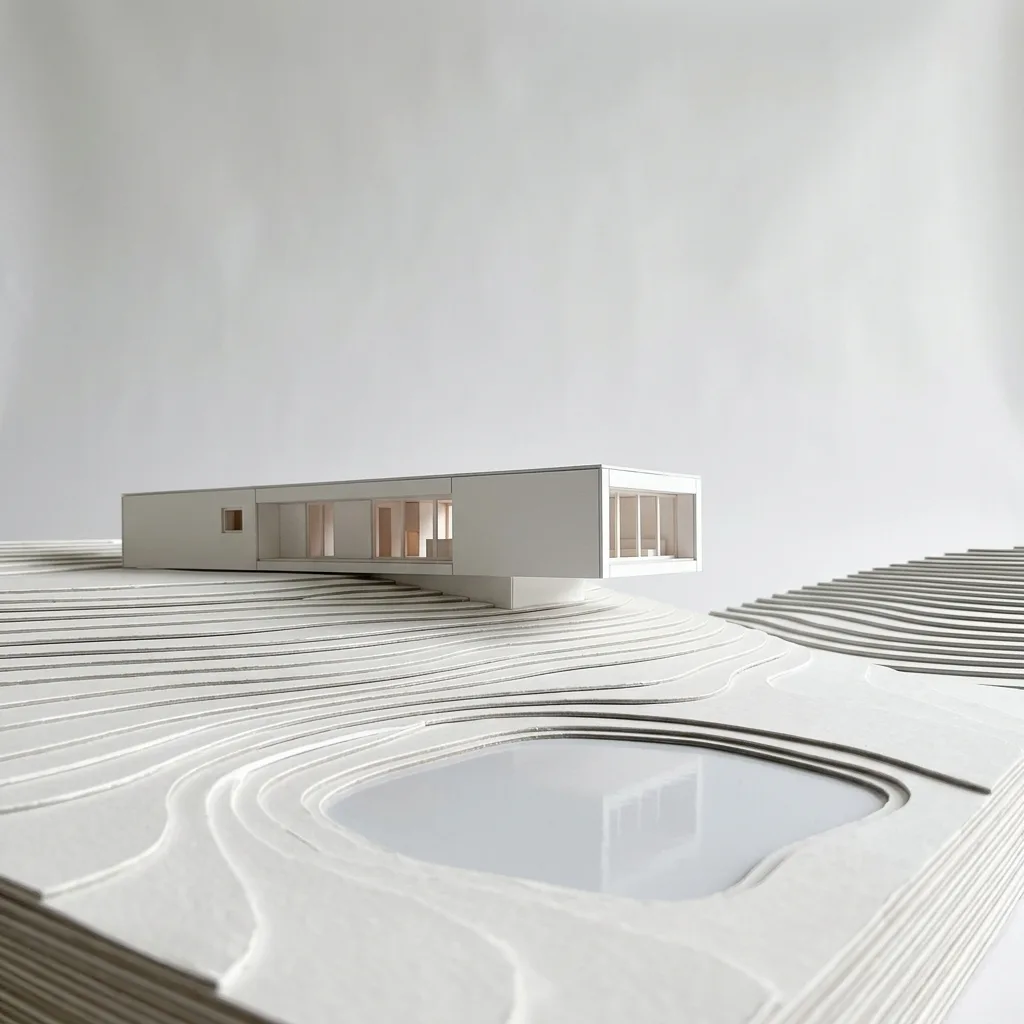
Long building by the water, its openings glowing red and reflected – as a white model, in late summer and in limestone with warm light.
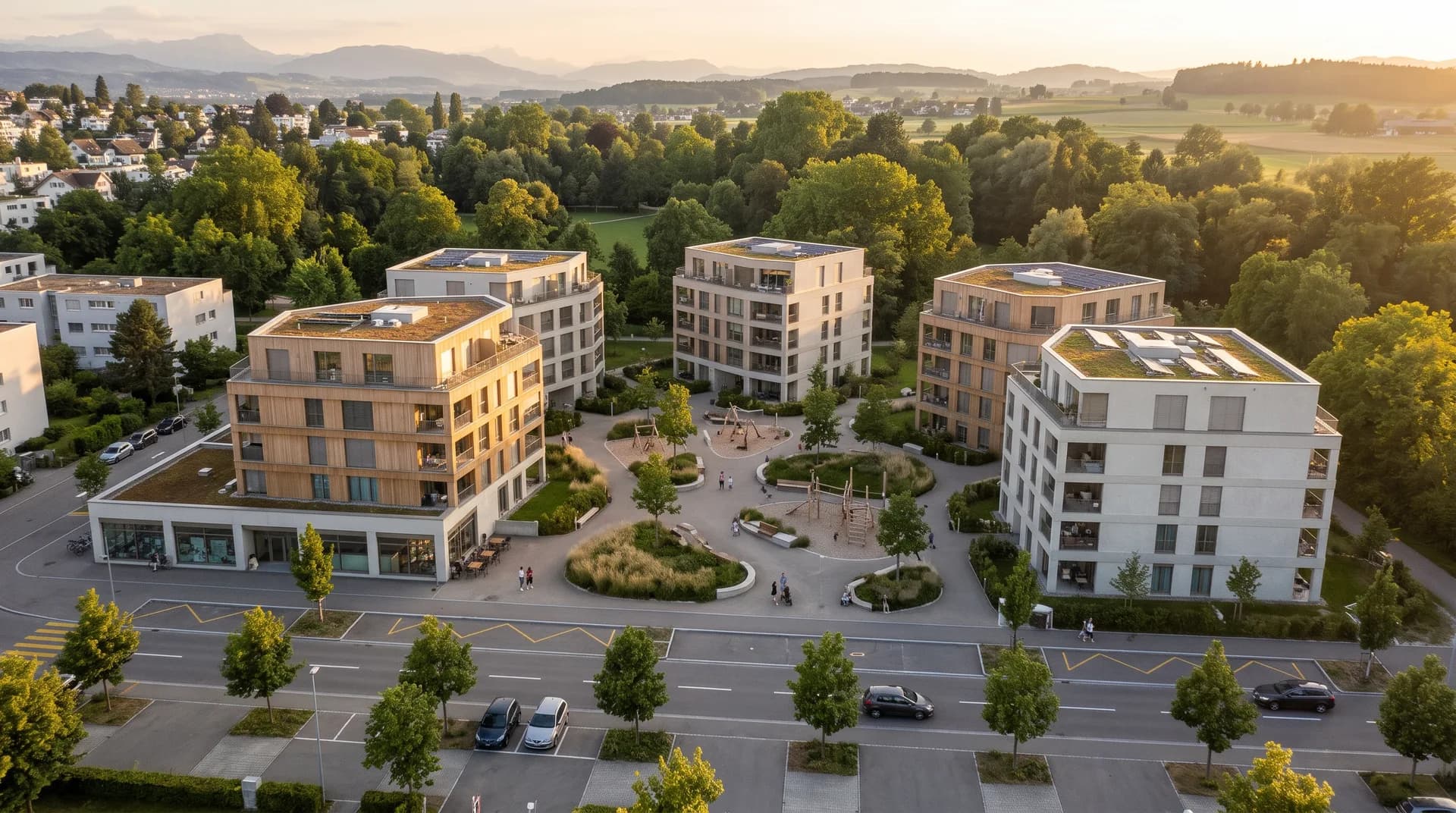
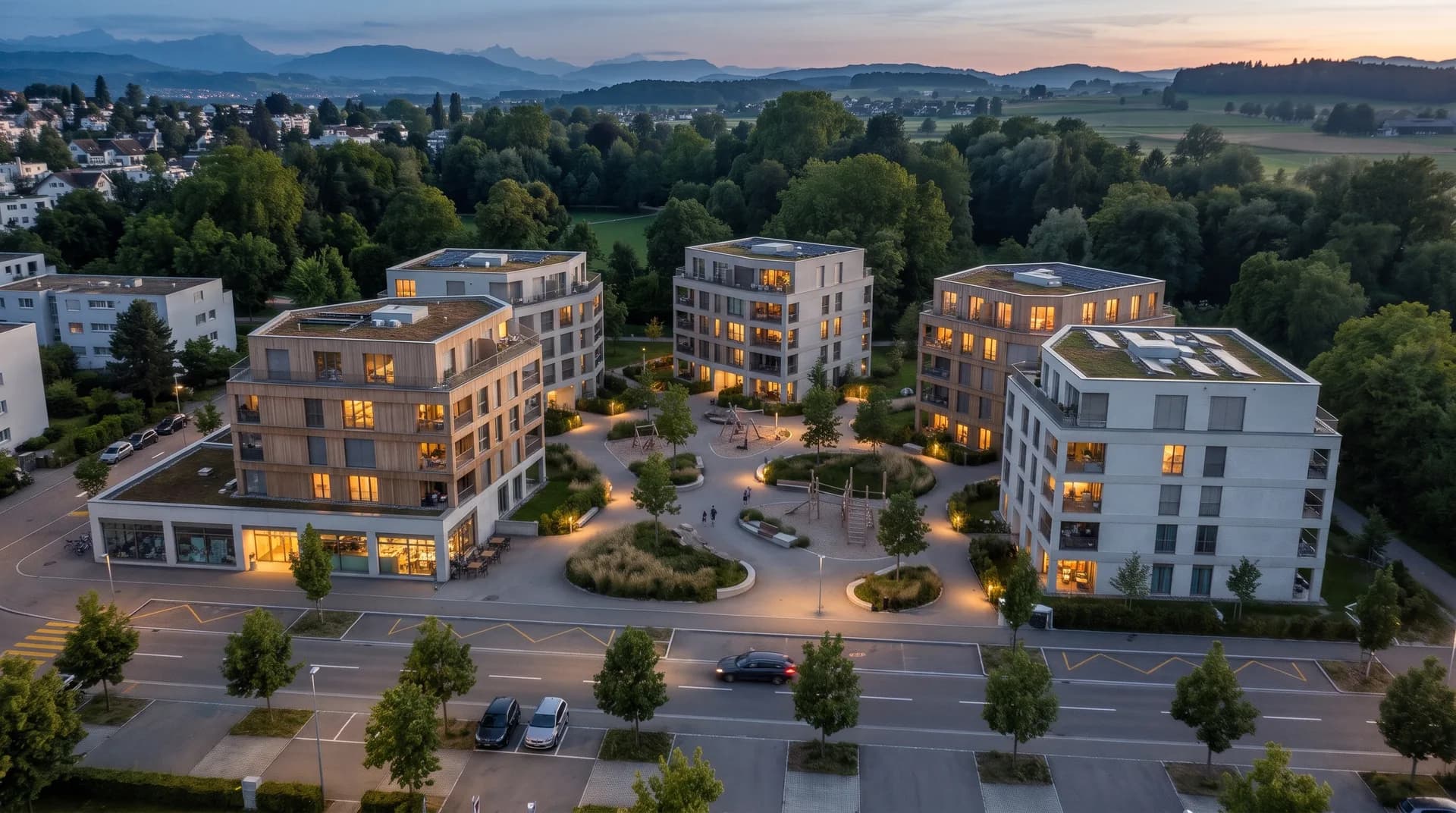
Ensemble of apartment buildings around a neighborhood square – in evening light, in spring and at night.
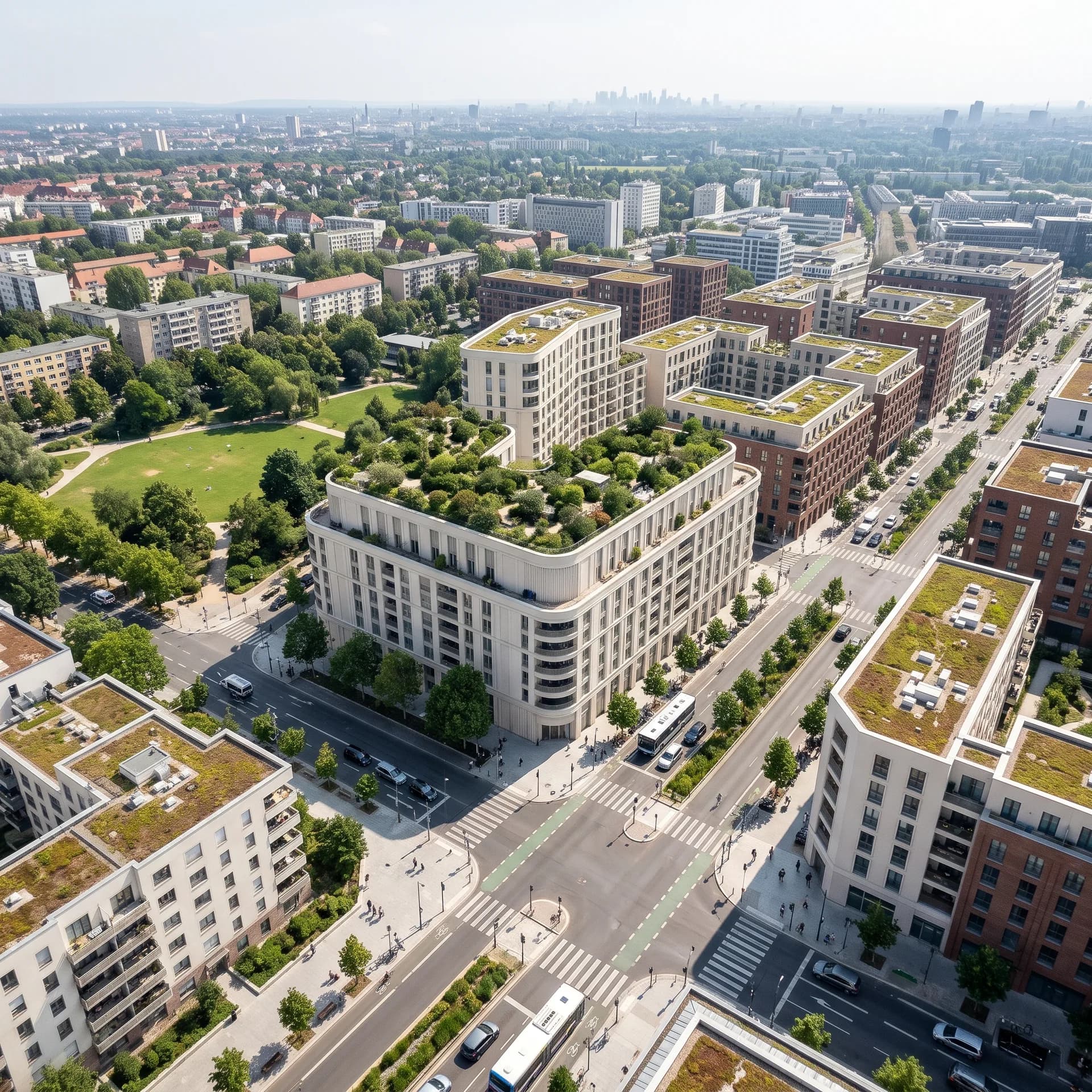
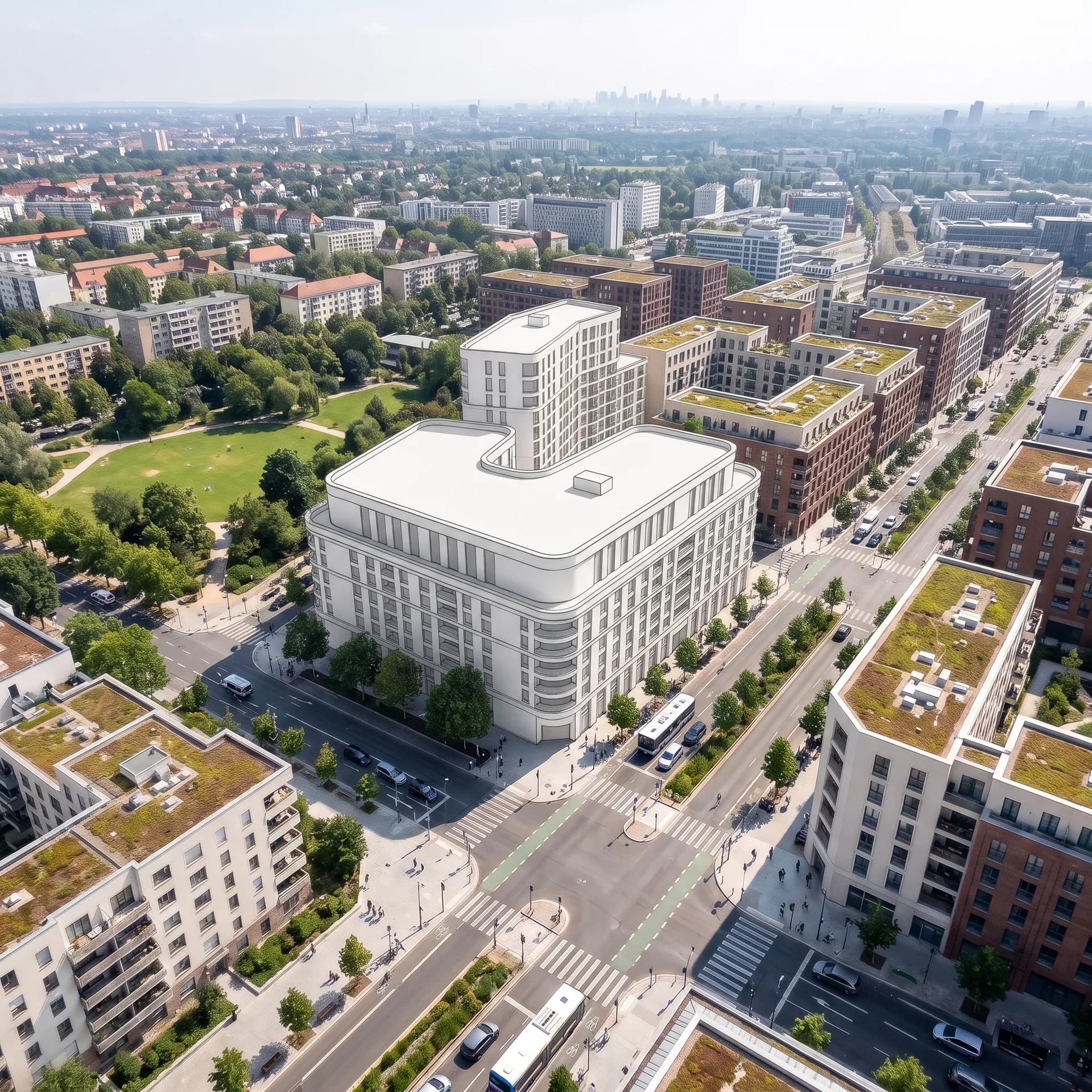
New urban district with a round corner building from high above – as a CAD massing, visualized and in travertine and oak.
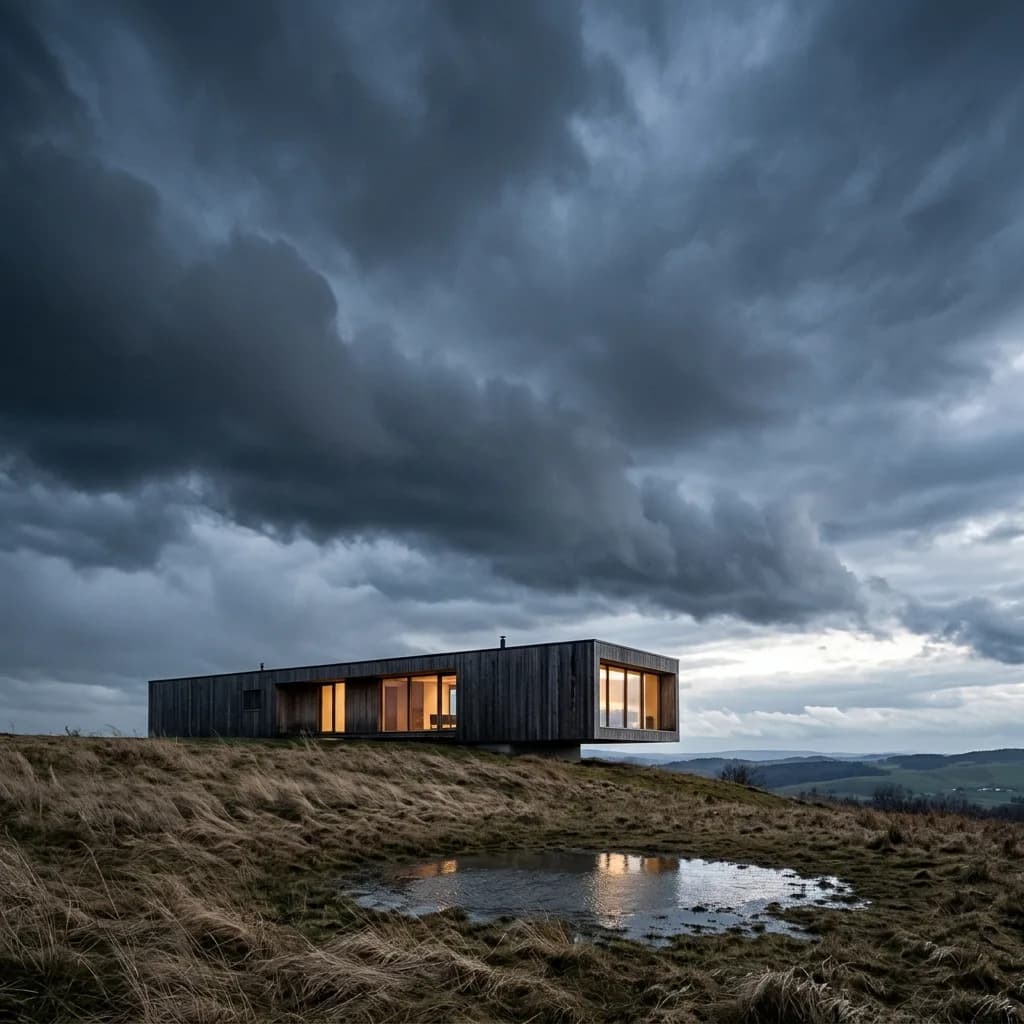
Long low building on a plateau under storm clouds – as a white model, in autumn and in limestone and oak.
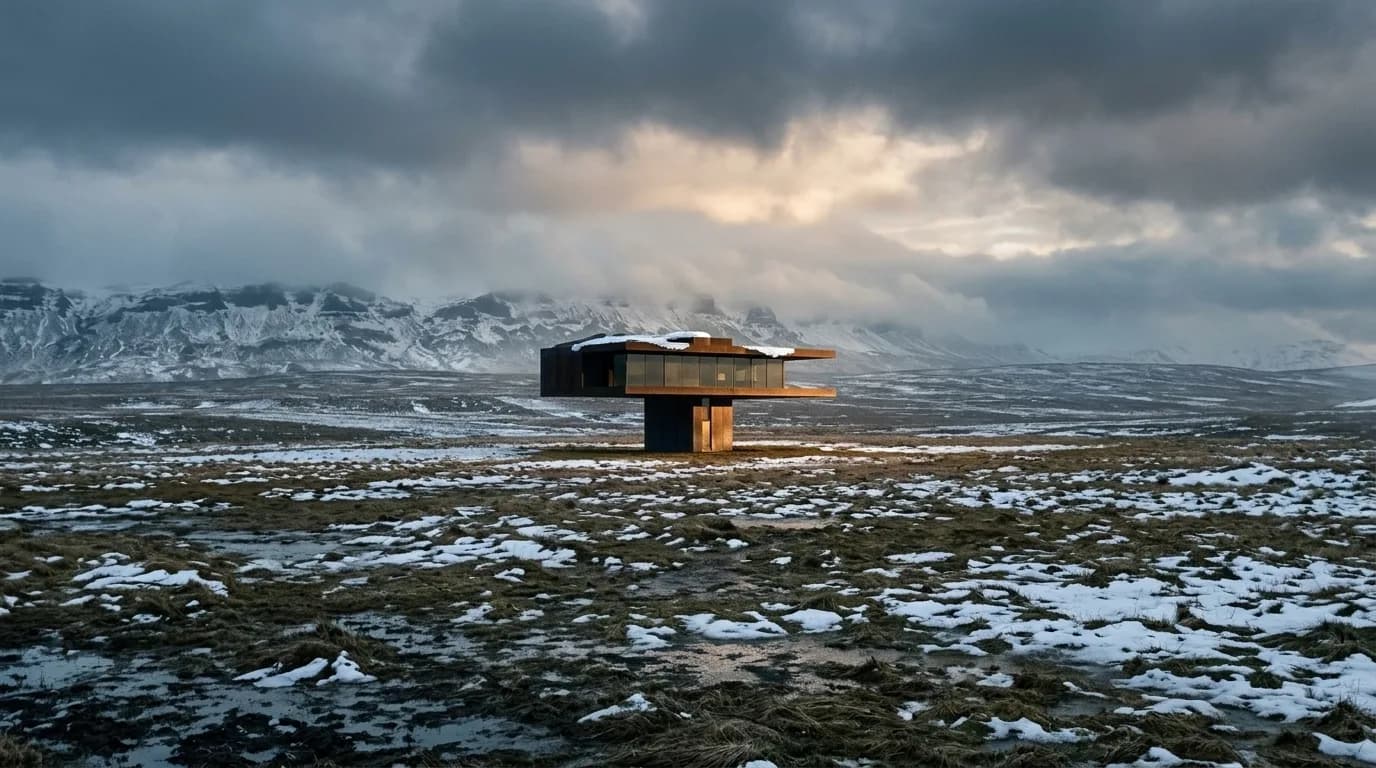
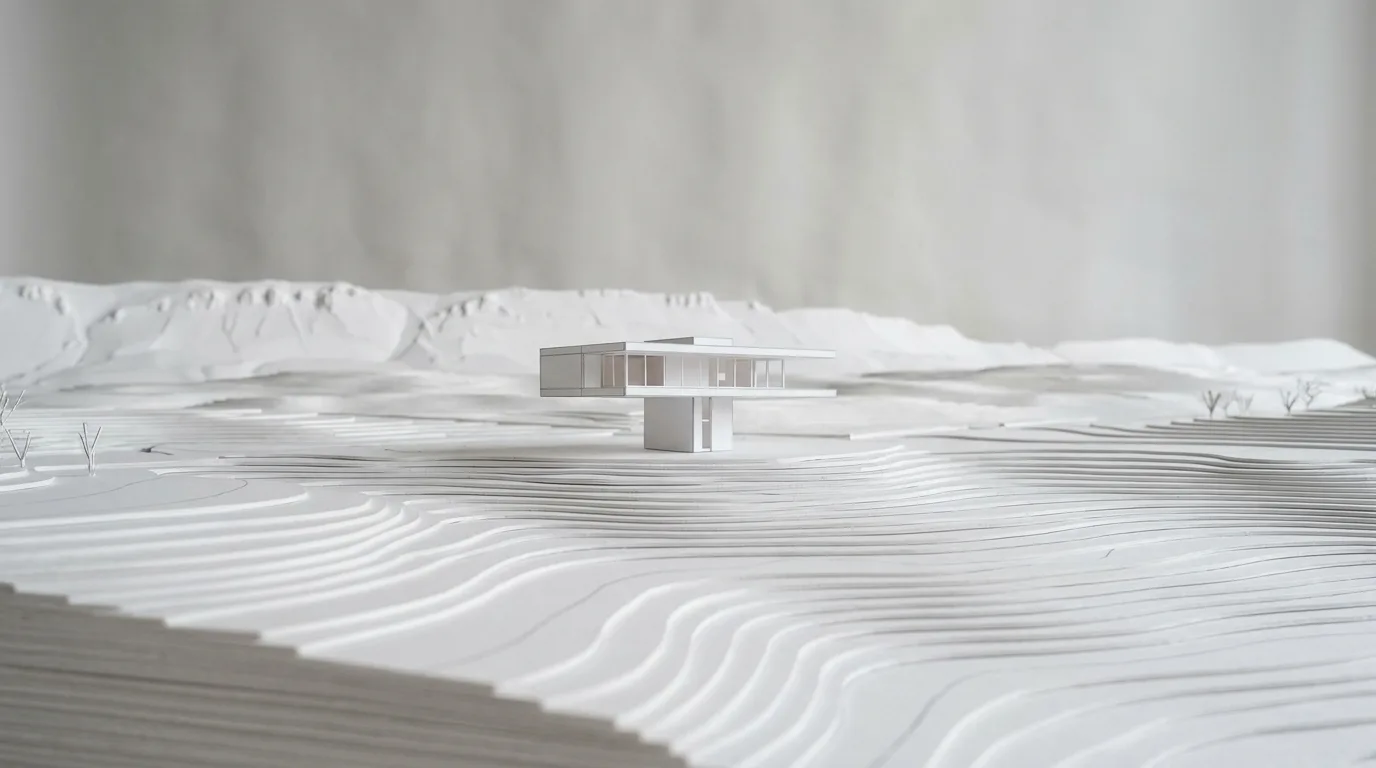
Villa on stilts with a cantilevered roof in a wide grassland – as a white model, during a thaw and in light timber.

Buy or create yourself?

Anyone searching for “architectural visualization” with a place name usually wants to commission an image. Sometimes that’s right. Often what the office already has is enough.

Buy when that one image decides everything

For the final competition image, the marketing campaign or an animation, a visualization studio remains the right choice: camera, light and entourage are fine-tuned over days. Depending on the studio and scope, expect several hundred to over a thousand francs per image and one to three weeks.

Create it yourself when you need variants

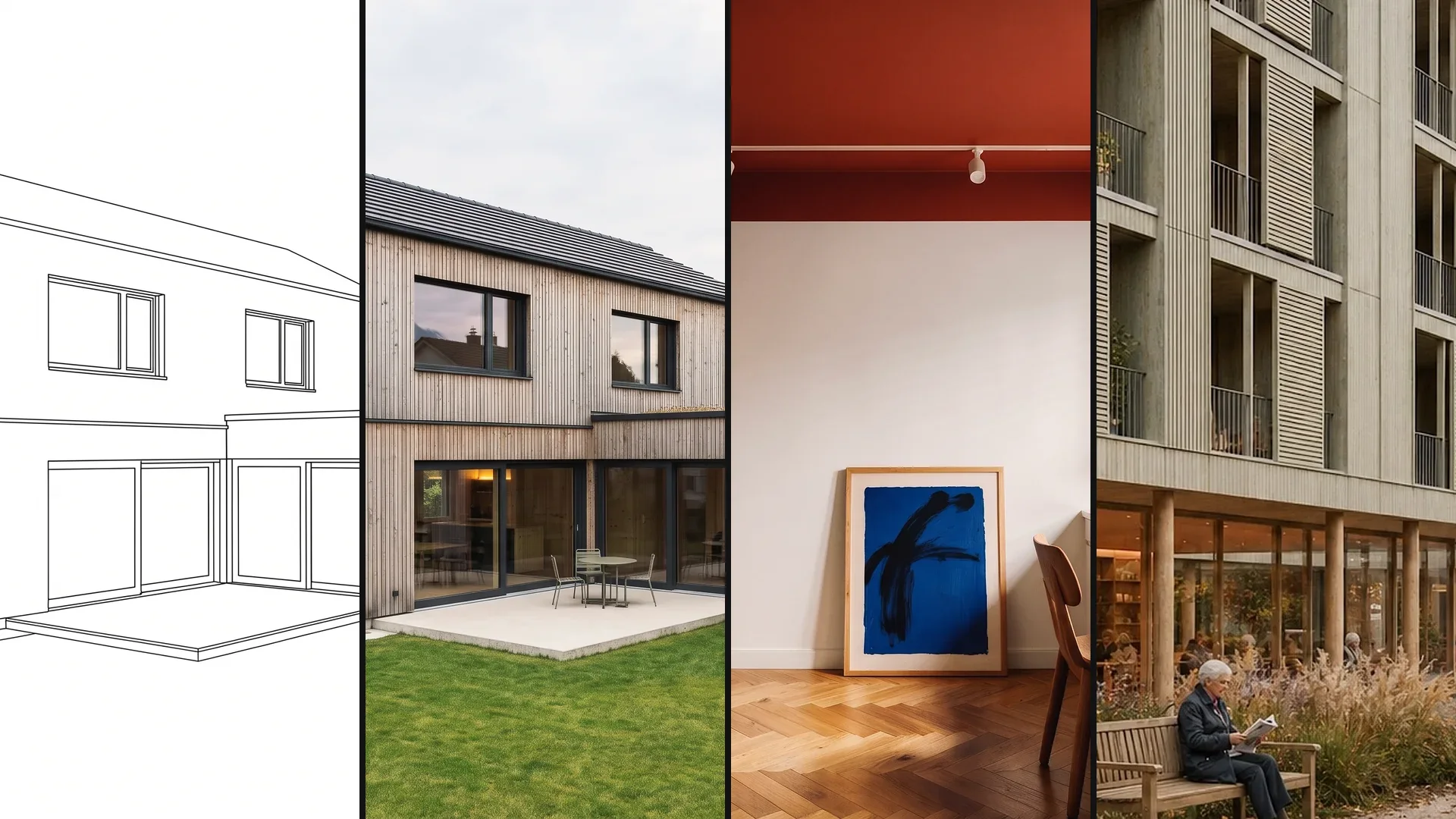
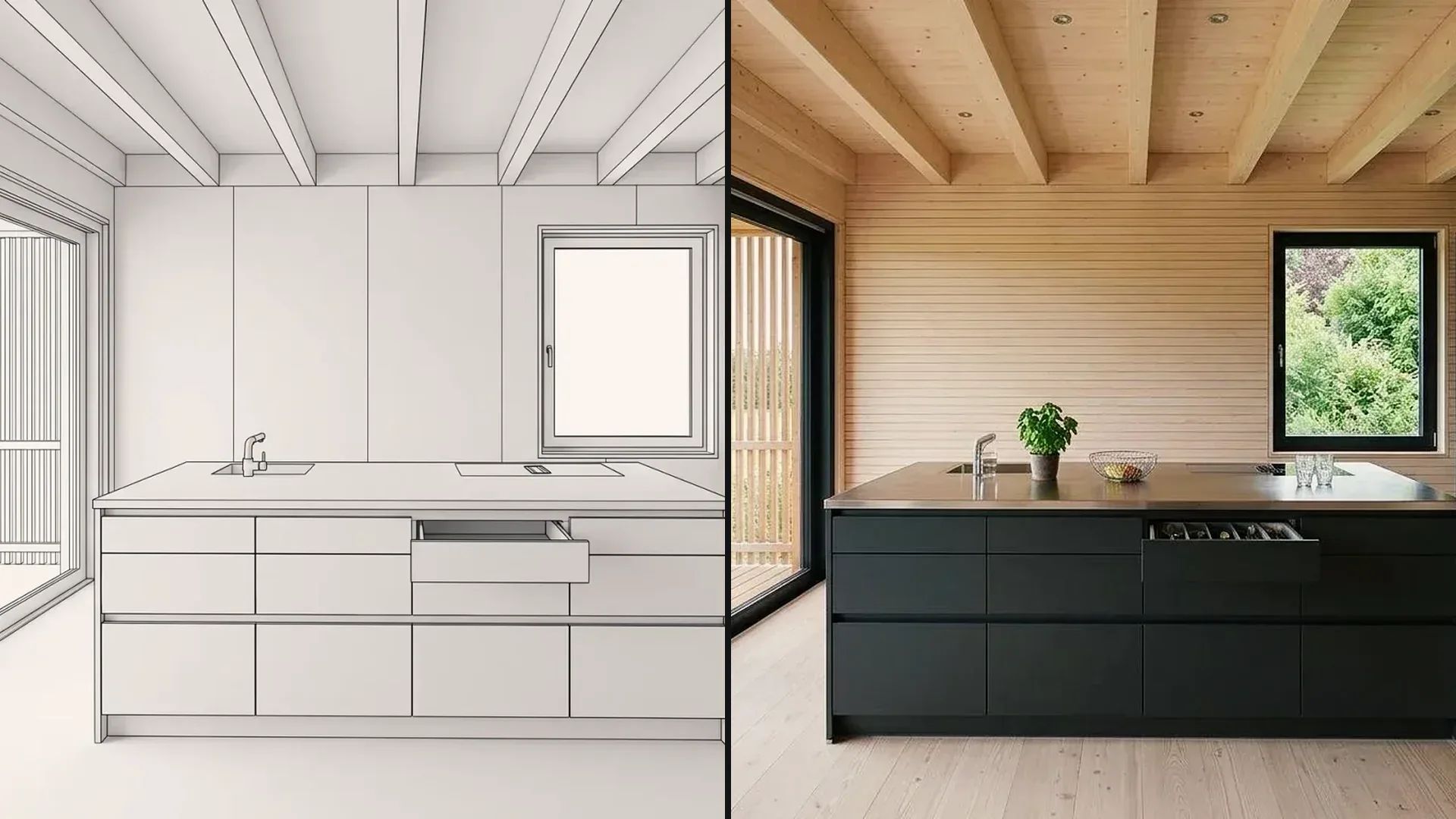
In design, for client meetings, for facade variants or public participation: your 3D model, CAD export or photo becomes an image in minutes – in the browser, as often as you like, with your geometry as the basis.

Both: clarify first, then commission

Many firms settle perspective, material and mood in Vizera and give the visualization studio an image instead of a description. That saves revision rounds – on both sides.

Six designs. From massing to image.

Designs as they come out of CAD or the model, and what became of them – the workflow in Hamburg is the same as anywhere. Click an example to see the versions one after another.

01

Perimeter block with courtyard

The perimeter block as a model, in brick and limestone and at night – this is how the owners’ meeting sees the courtyard before deciding.

Perimeter block with courtyard – Model

02

Building by the water

The white model represents the planning stage; next to it, the building in late summer and in limestone with warm light – the water reflects both.

Building by the water – White model

03

Ensemble with neighborhood square

Four apartment buildings around a square – in evening light, in spring and at night. The same perspective, three moods for the client.

Ensemble with neighborhood square – Night

04

District from the air

The urban district as a CAD massing, visualized and in a second material version with travertine and oak – one export, three images for competition and public participation.

District from the air – CAD massing

05

Low building on the plain

The white model represents the planning stage; next to it, the low building under storm clouds and in limestone and oak – for the jury table as well as for the client.

Low building on the plain – White model

06

Villa in the meadow

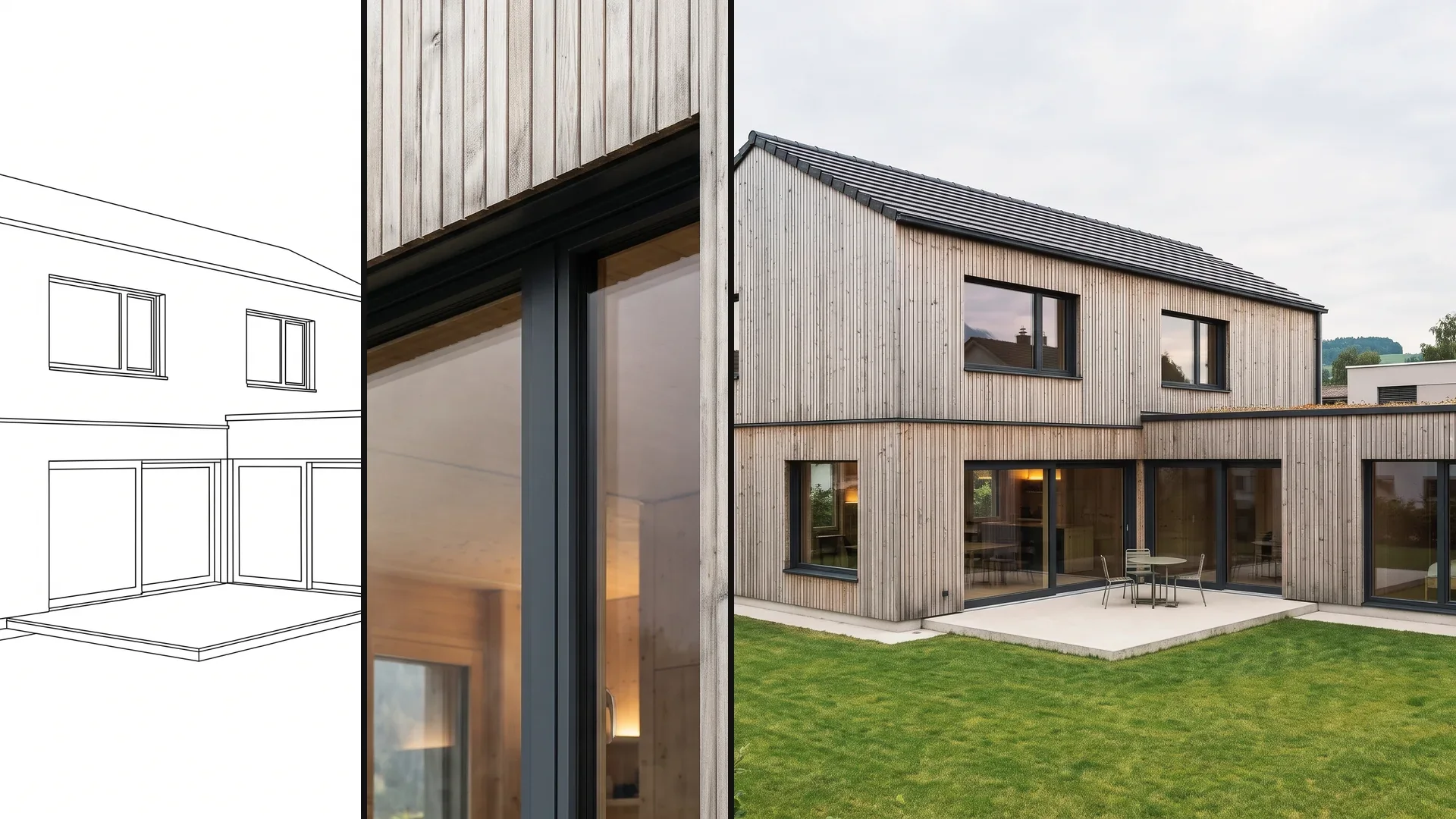
The white model represents the planning stage; next to it, the villa during a thaw and with a light timber facade – two answers to the same form.

Villa in the meadow – White model

What matters in Hamburg.

Three situations in which Hamburg firms need images before the big rendering is commissioned.

Brick and the district

Whether a design convinces in brick, light clinker or render is decided early in Hamburg – at the district office, in the design advisory board, in front of the neighbors. Two material versions from the same model show the difference before the sample is ordered.

Housing and the housing alliance

Hamburg builds a lot of housing, and every project is discussed in public. For public participation, housing companies and building cooperatives, what counts are images that honestly show the current stage – from the massing, without promising a finished facade.

Building by the water

Elbe, Alster, canals and Fleete: by the water, every house has a double effect – reflected and seen from the other side. An image from your model on the right bank settles height, material and evening light before the design goes around the table.

Created with Vizera. From designs like yours.

Districts, housing developments and single houses from CAD massings and white models – in different materials, seasons and at night. Click an image to see the versions.

What the difference costs.

Three measures for comparing a quote with doing it yourself – without playing one against the other.

Cost

Visualization studio: per image, by scope and revision rounds. Vizera: Basic from EUR 129 per month on the annual plan with 4'000 credits, Free with 200 credits for testing. What an architectural visualization costs and what the price depends on is on the cost page.

Time

Visualization studio: days to weeks, including briefing and revision rounds. Vizera: minutes per version; you make corrections yourself with Masking while the meeting is still running.

Control

Visualization studio: you brief, review and correct. Vizera: you make the changes yourself, your model remains the basis – and the image remains a visualization, not a plan.

Prices for visualization studios are typical values from quotes in German-speaking countries, not figures from individual providers. Vizera prices: see the plans row, as of October 2026.


Three steps. From design to image.

What your project already contains becomes a visualization. You decide perspective, material and selection.

Upload an image

Your 3D model, uploaded or sent from Archicad with the plugin – or a hand sketch, image export or photo of the site as JPG or PNG, up to 5 MB per image.

Describe material, light and surroundings

Describe the facade, time of day, season and surroundings in plain language or provide up to six reference images. If only one surface should change, mark it with Masking.

Compare versions

Create several versions, place them side by side in Boards and download the chosen image as PNG – for meetings, competitions or public participation.

Edit precisely. Organize variants.

Mark an area, show material or style with a reference image, and collect the variants in Boards. Here's how it looks in the app.

01

Targeted changes with masking

Mark what should change – the facade, the roof, the forecourt – and the rest of the image stays as it is. The marked area is regenerated; outside the mask, the image may lose a little sharpness.

02

Show material and style with references

Show material or style with a reference image. The result interprets the sample.

03

Collect visualizations in Boards

Place a project’s versions side by side – from the sketch to the chosen perspective. That’s how you prepare the next meeting.

What does Vizera cost instead of a quote?

Test the workflow with your own project first. Free is for non-commercial testing. For use in client projects, choose a paid plan.

Annual payment: 12-month term.

Free

For Testing

Free of charge

200 Credits

up to 40 images, depending on model and resolution

Get Started
  • Non-Commercial Use

Basic

Costs less than one external visualization

EUR 129/ mo

With monthly billing: EUR 161/ mo

Save EUR 384 per year

4'000 Credits

160–800 images or 10–13 videos, depending on model and resolution

Get Started
  • 1 User Seat
  • Max. 4 parallel generations
  • 1–2K resolution (4K with upscale)
  • Unlimited projects
  • Commercial License

excl. VAT · Annual payment: 12-month term

ProMost popular

Native 4K and enough credits to never count

EUR 284/ mo

With monthly billing: EUR 355/ mo

Save EUR 852 per year

10'000 Credits

400–2'000 images or 25–33 videos, depending on model and resolution

Get Started
  • 1 User Seat
  • Max. 8 parallel generations
  • 4K native (8K with upscale)
  • Unlimited projects
  • Commercial License

excl. VAT · Annual payment: 12-month term

How Vizera counts

5–25
credits per image
300–400
credits per video
from EUR 0.16
per image on Basic, annual payment

Depending on model and resolution. Subscription credits reset monthly and are used first; purchased credit packs do not expire.

Questions from Hamburg firms.

Answers on costs, location, brick, visualization studios and building permits.

At a visualization studio, usually several hundred to over a thousand euros per image, depending on scope, level of detail and revision rounds; competition images and animations considerably more. With Vizera, you visualize yourself: 200 free credits for testing, Basic from EUR 129 per month on the annual plan. What determines the price is on the cost page.

Test it on a Hamburg project.

200 free credits, once at sign-up. No credit card, no installation.