The workspace at a glance
A tour of the workspace: every feature in the sidebar shown with an example, from Generate to Upscale.
- Level
- Einstieg
- Starting point
- Skizze
- Features
- Generieren, Bearbeiten, Erweitern, Hochskalieren, Vorlagen, KI-Modell, Prompt Agent, Referenzen, Umgebung, Verlauf
- Length
- 3:42
What you learn in this video.
A tour of the workspace: every feature in the sidebar is shown with an example, from Generate through Edit and Extend to Upscale. It also covers the History and the credits at the top right.
The workspace in 20 steps.
This is how it goes in the video – in the same order in your account.
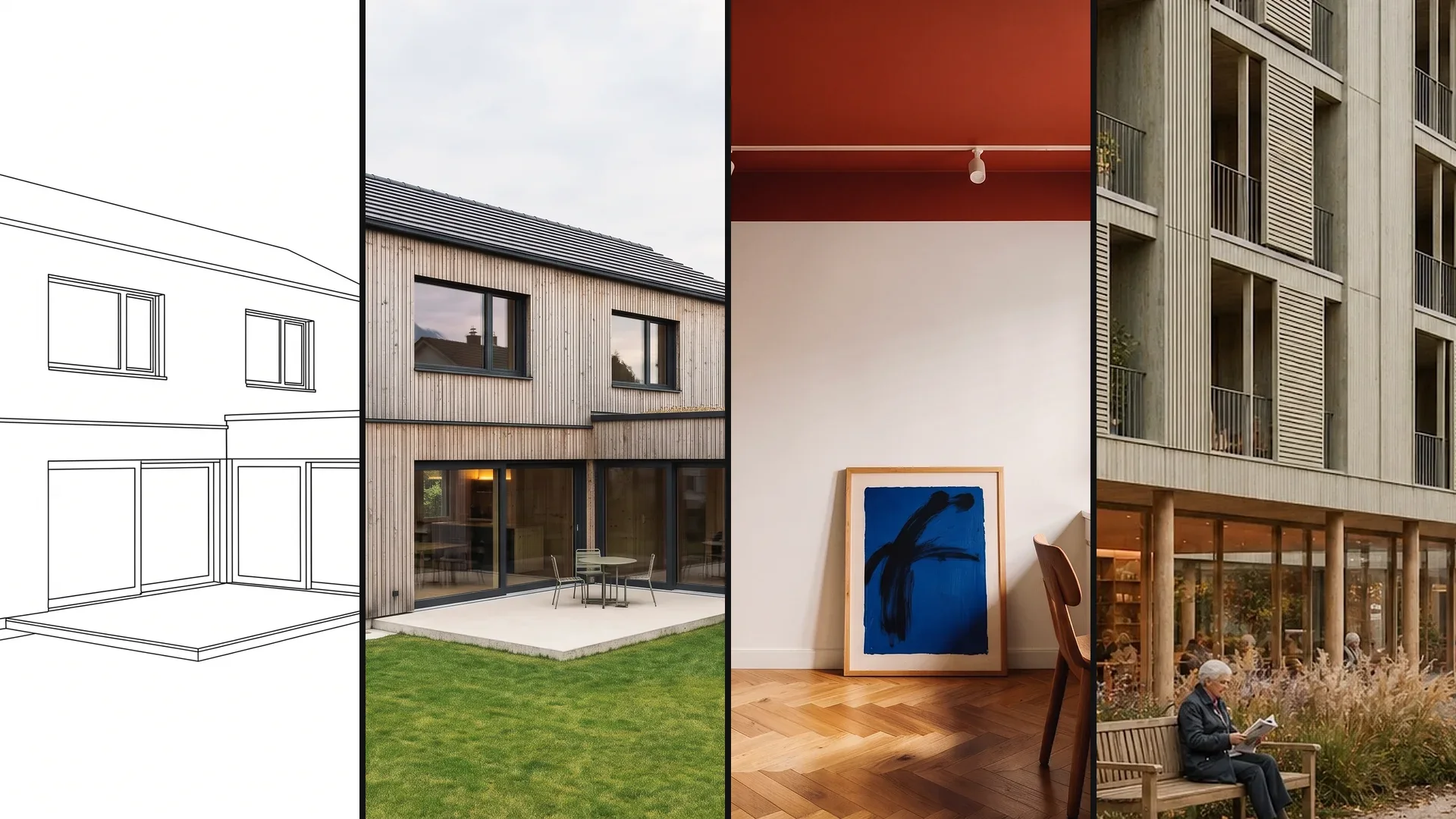
Input, reference and result.
Input, reference and result in full resolution. Click an image to open it full size.
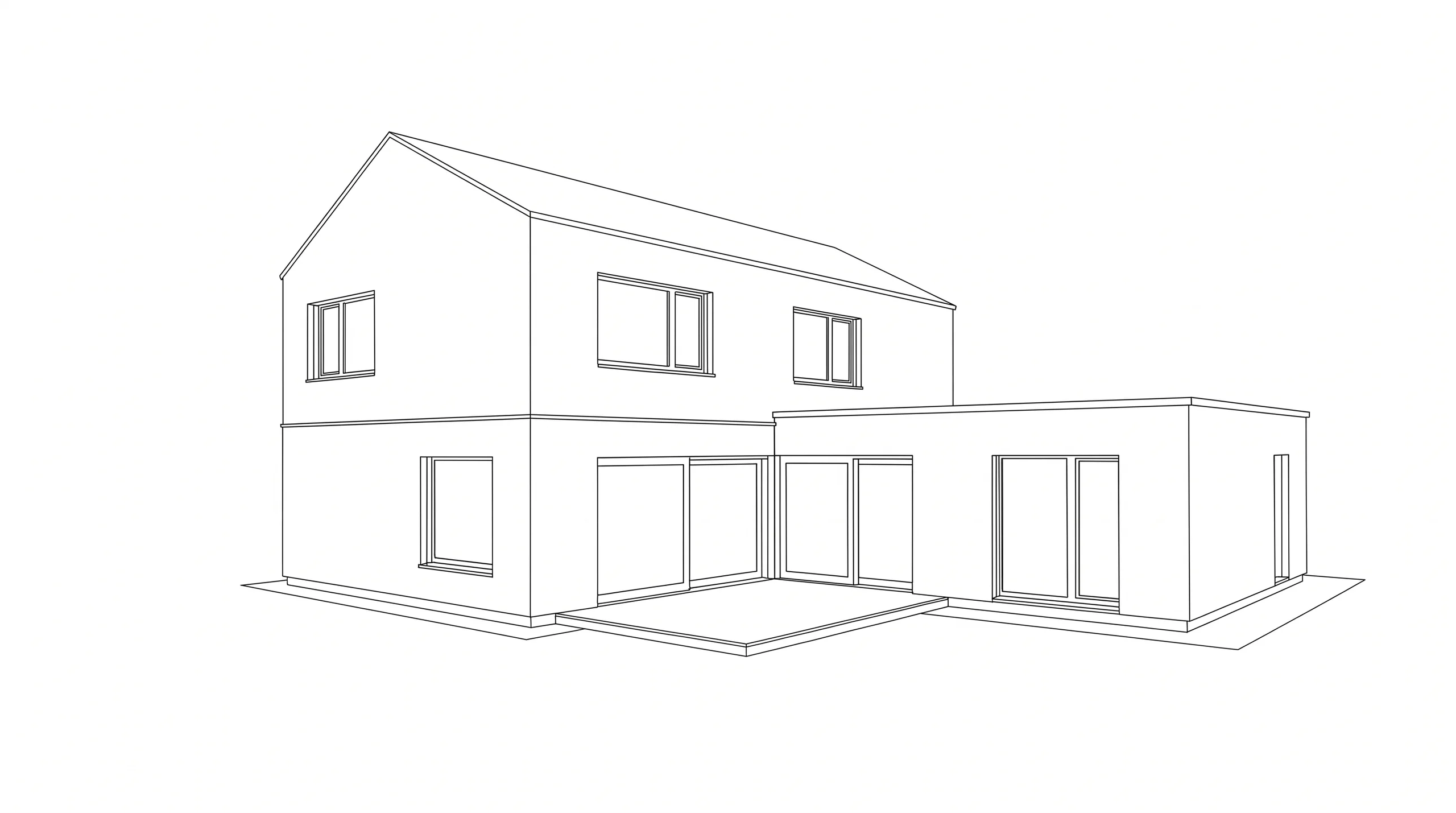
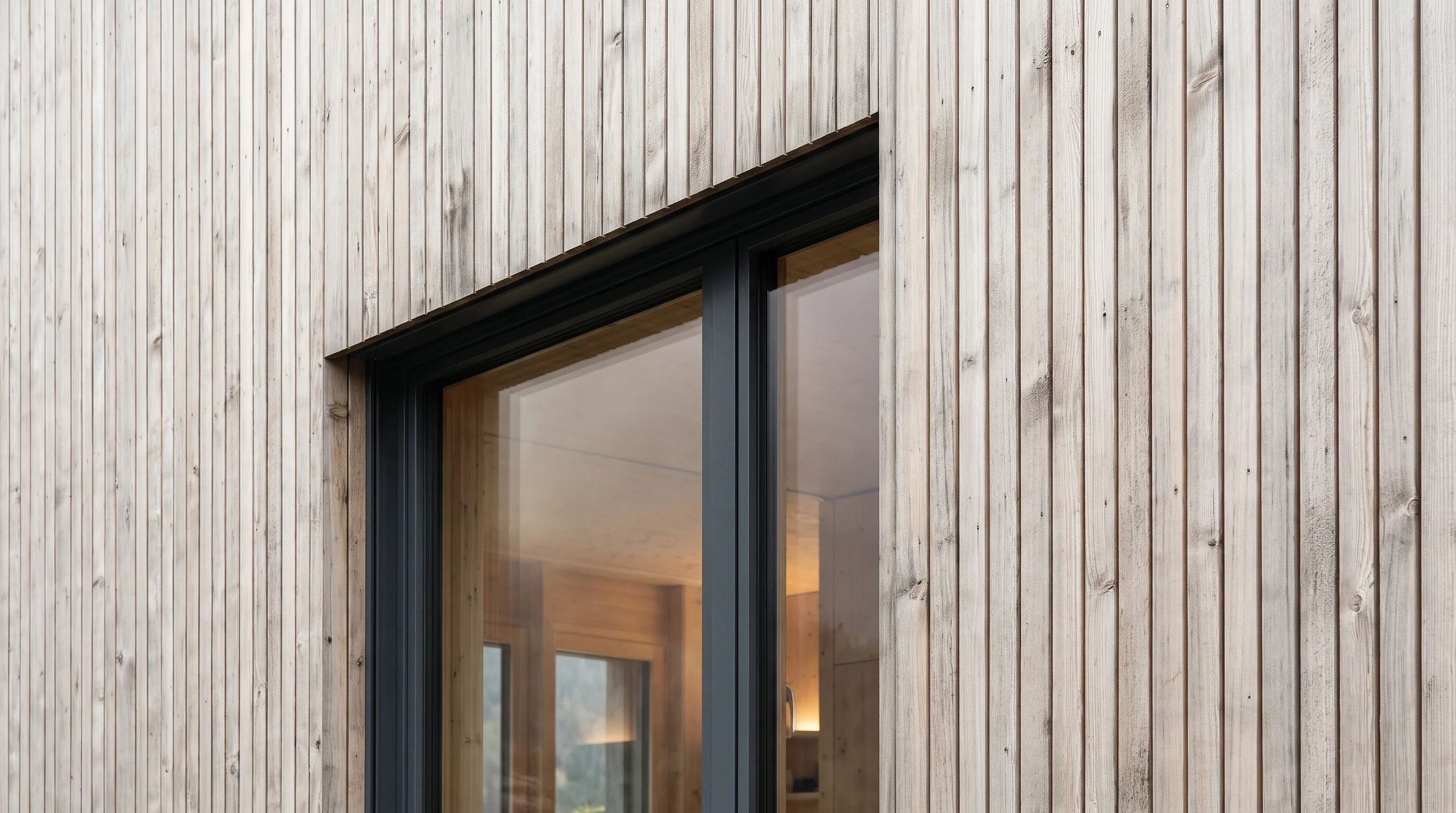
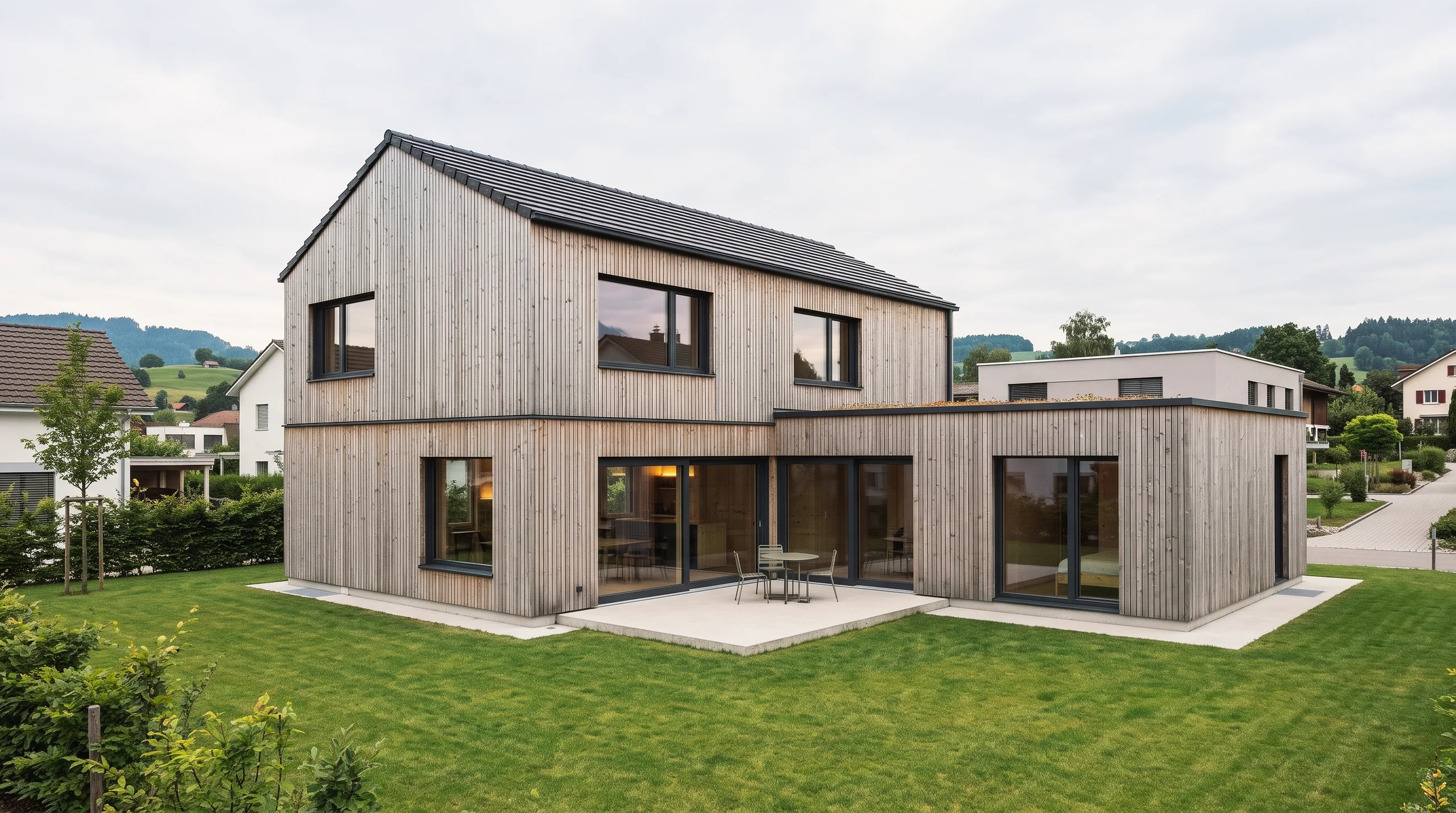
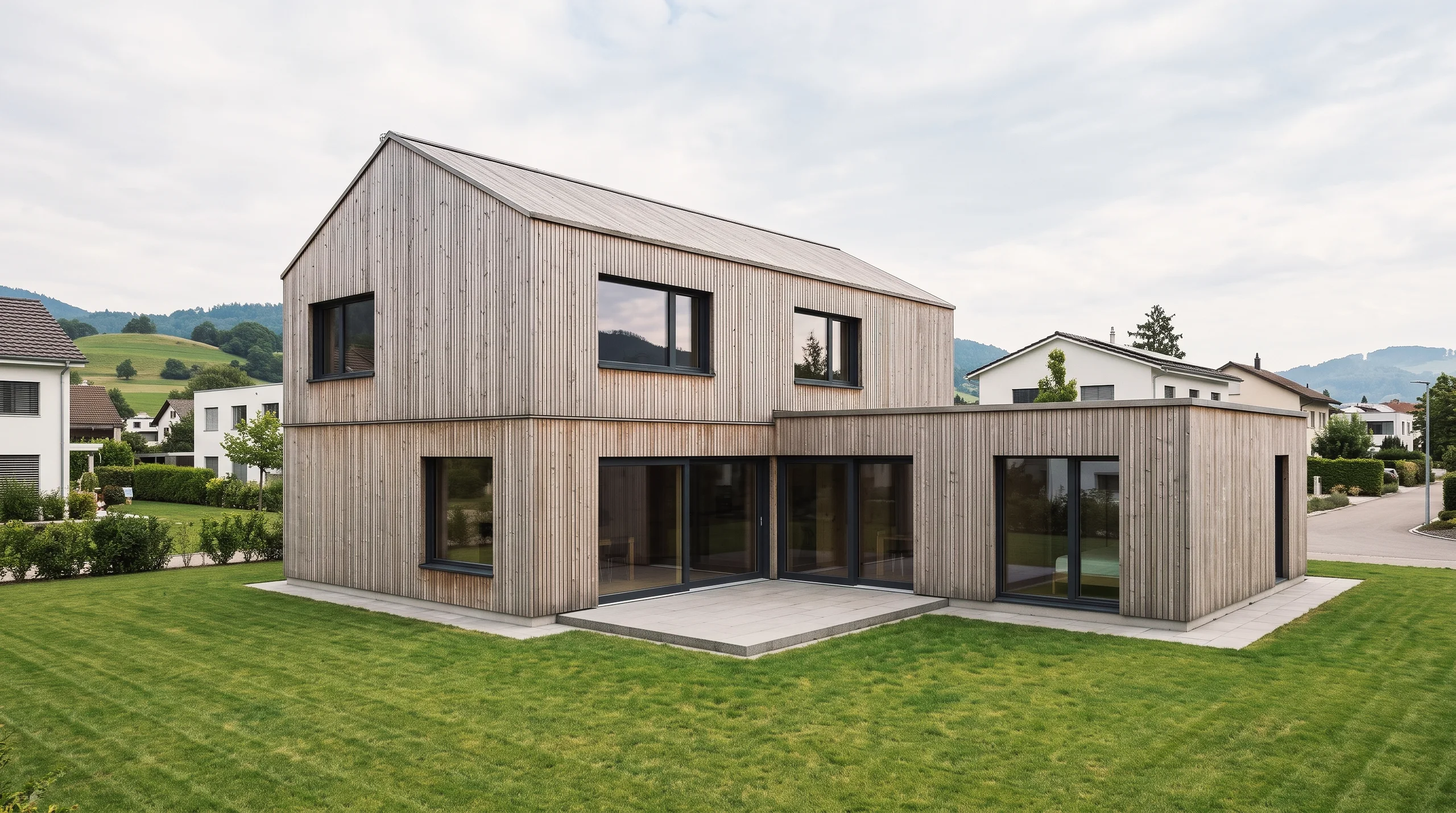
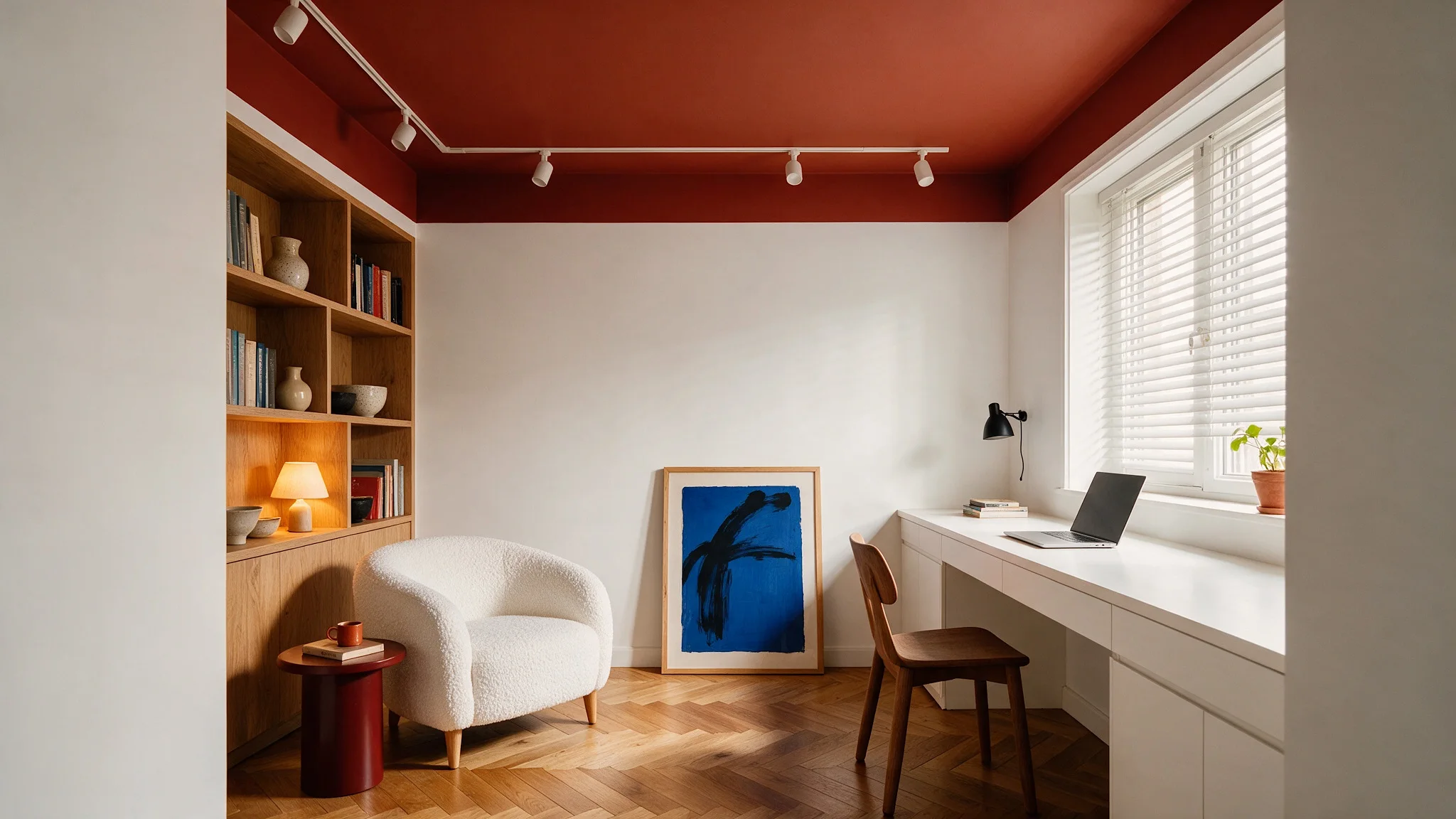
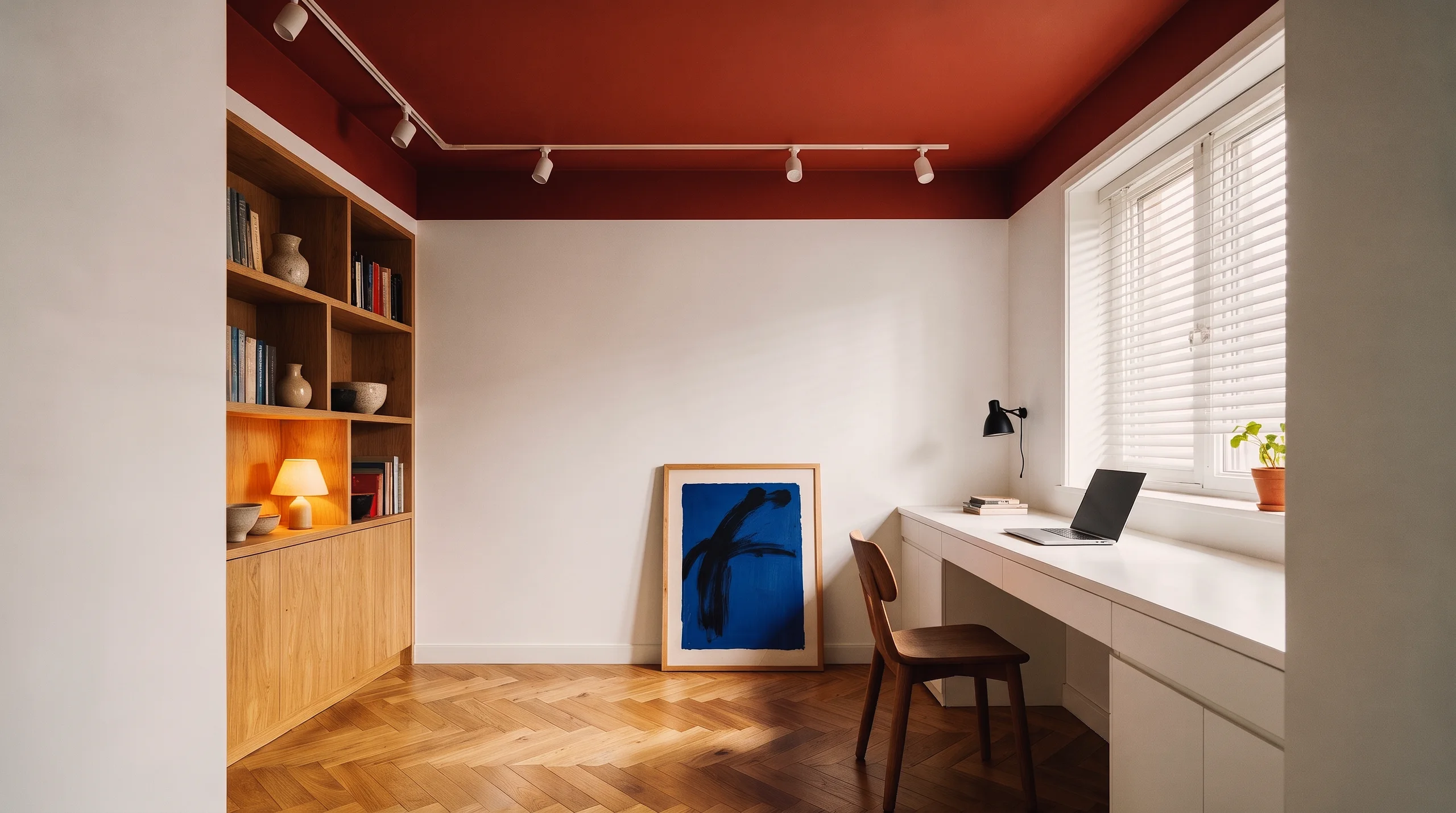
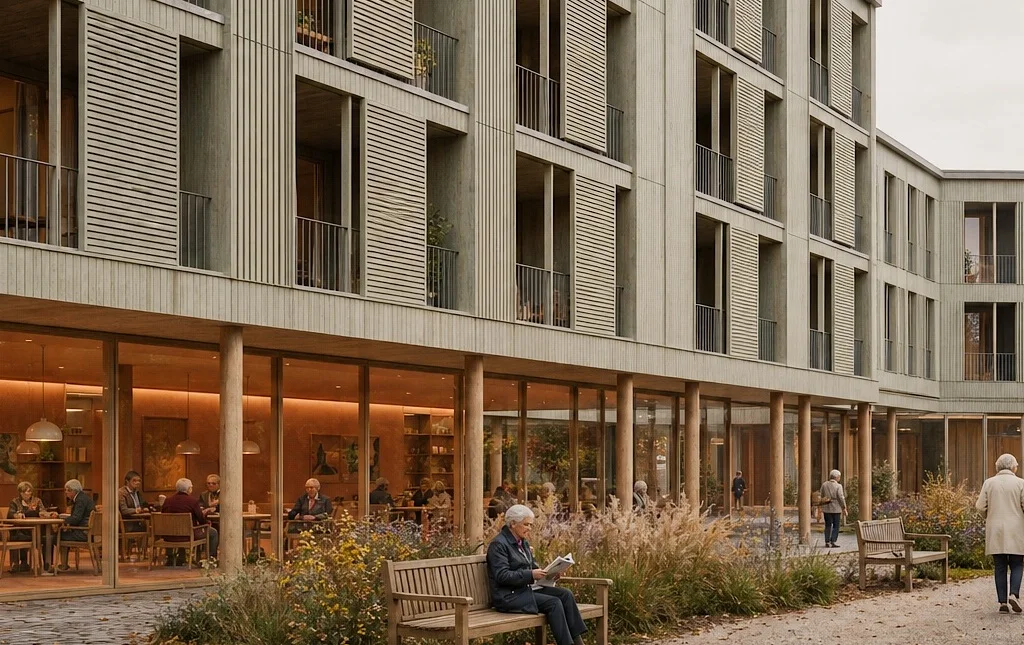
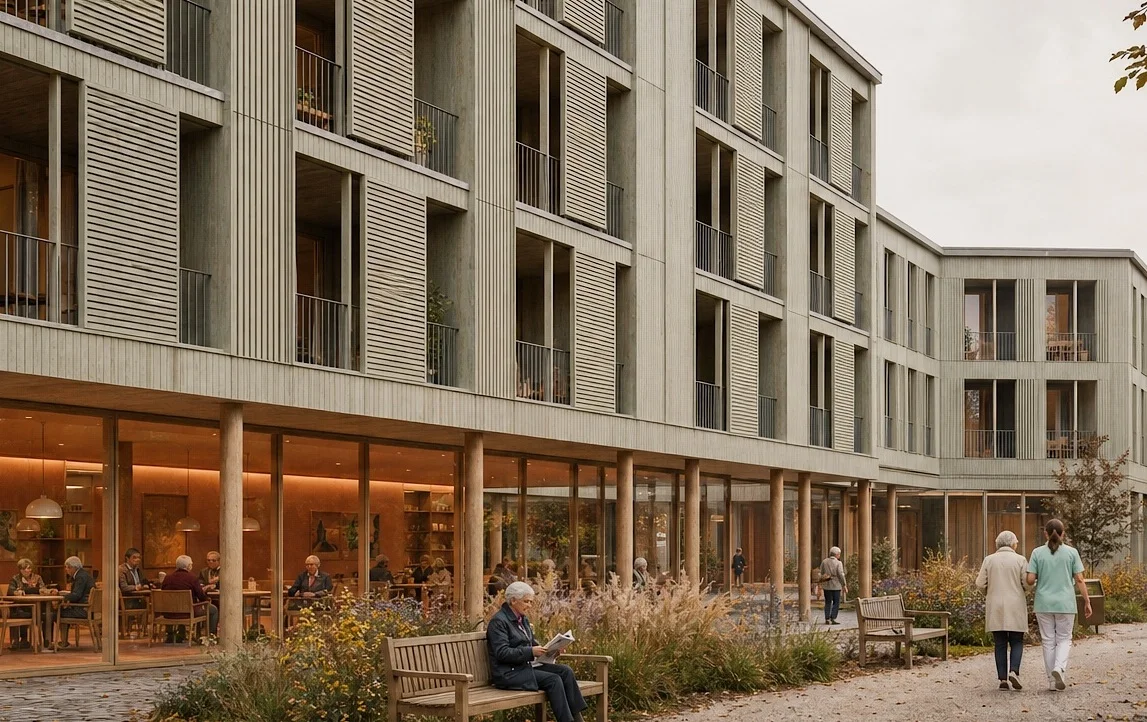
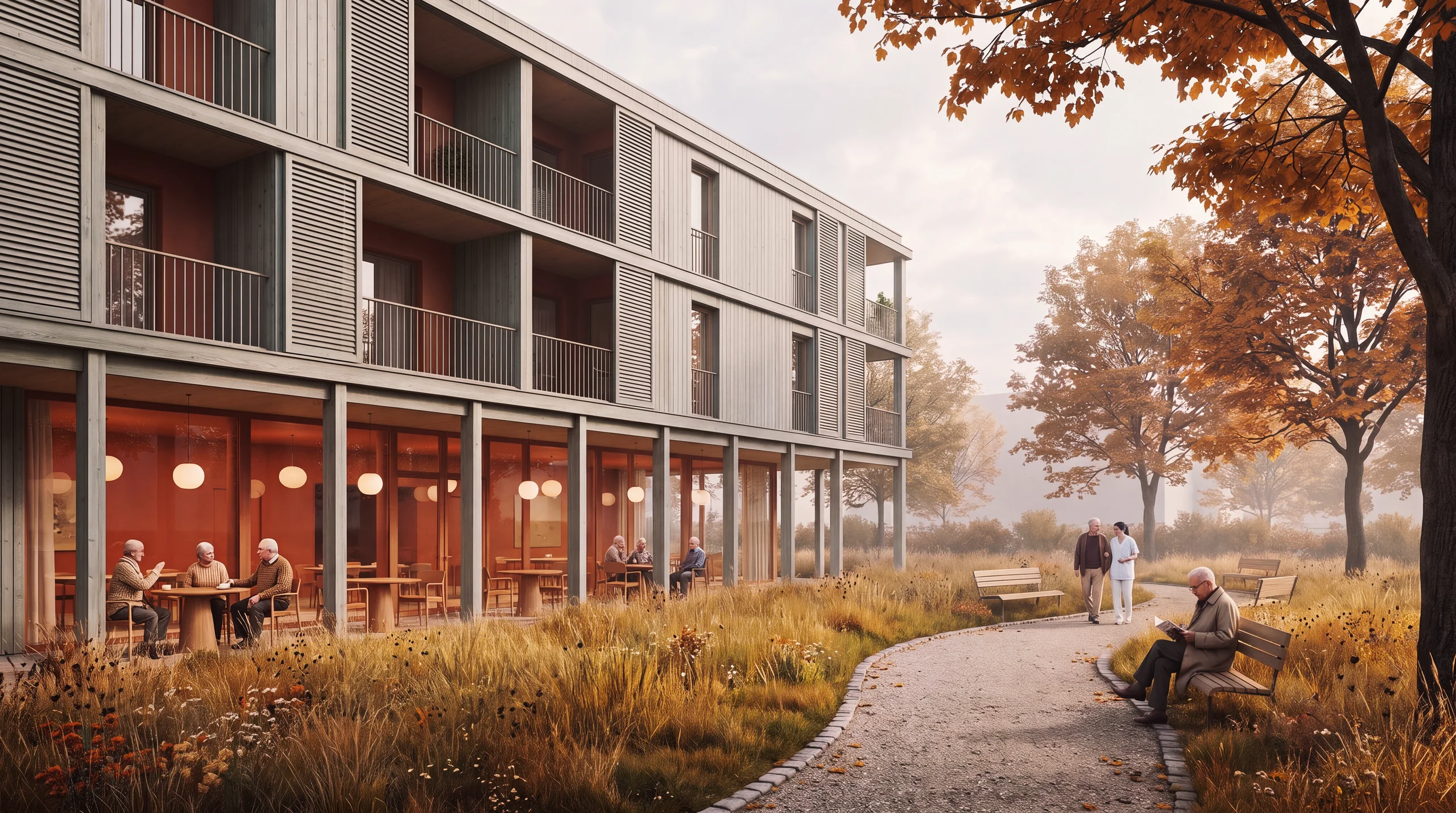
Prompt for the workspace.
Entered exactly like this. Copy it and adjust the location, house and material.
Modern house with timber facade, quiet village
The Prompt Agent is set to Automatic. When you click Generate, it works this short text into a detailed prompt in the background.
Tips for better results.
Your text does not have to be perfect: when the Prompt Agent is set to Automatic, it works out your short description when you generate.
If you want to develop the prompt yourself, open the Prompt Agent with one click. There is a separate video on this.
For variants, it pays to create two or more images at once.
Keep working from the best image in the History. With each further edit, the quality can drop slightly.
TranscriptTranslated from the German voiceover. click a timestamp to start the video there
Questions about the workspace.
Generate, Edit, Extend and Upscale. At the very top you also choose whether you create images or videos.
Related videos and features.
The feature in detail and the next videos.
The Prompt Agent step by step
Develop a prompt in a conversation with the Prompt Agent, insert it into the text field and create an image of a kitchen-living room from it.
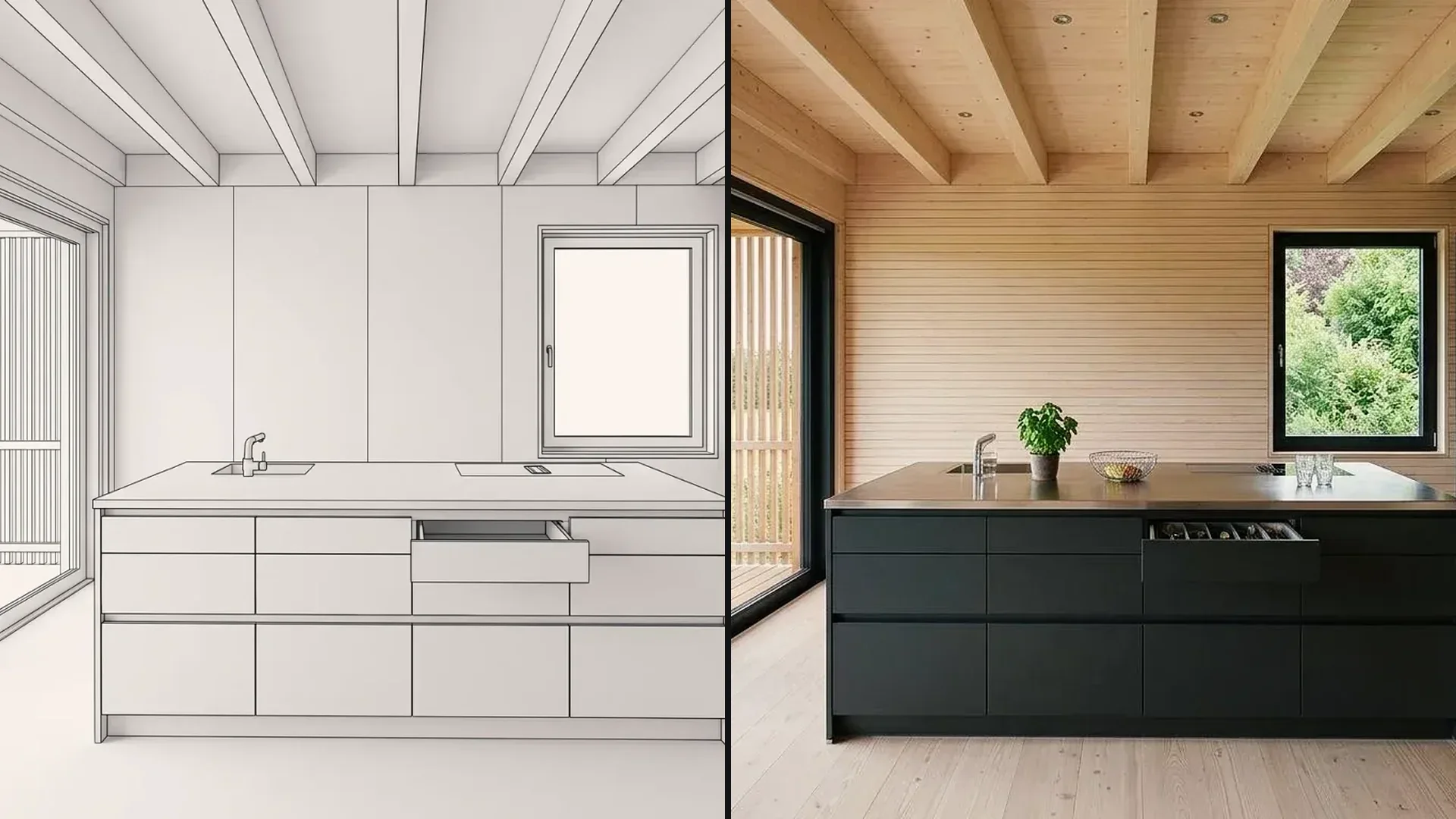
3D model to visualization
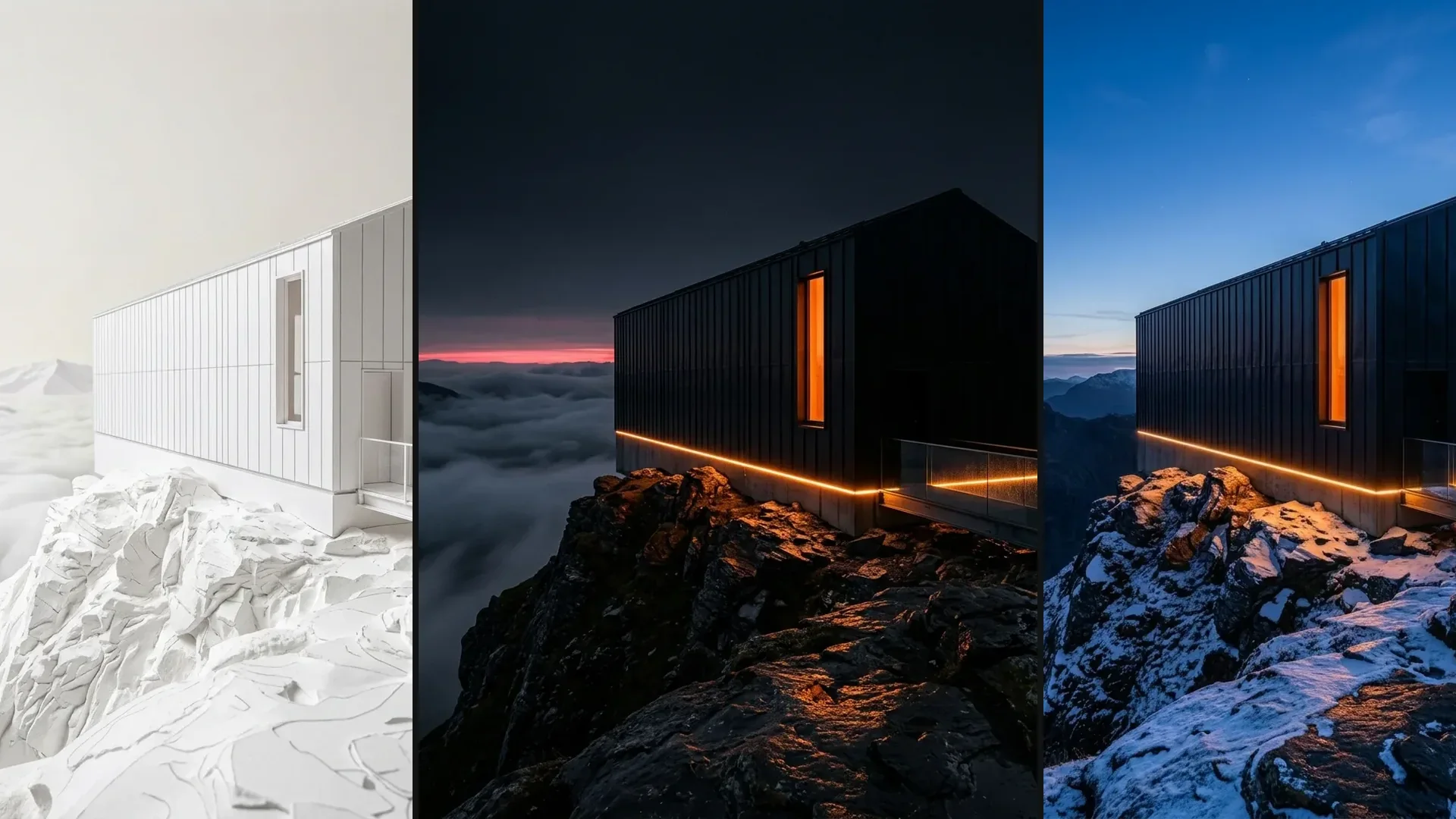
Create a photo from a view of a white 3D model, then show a material variant and the same scene in winter.
CAD to visualization
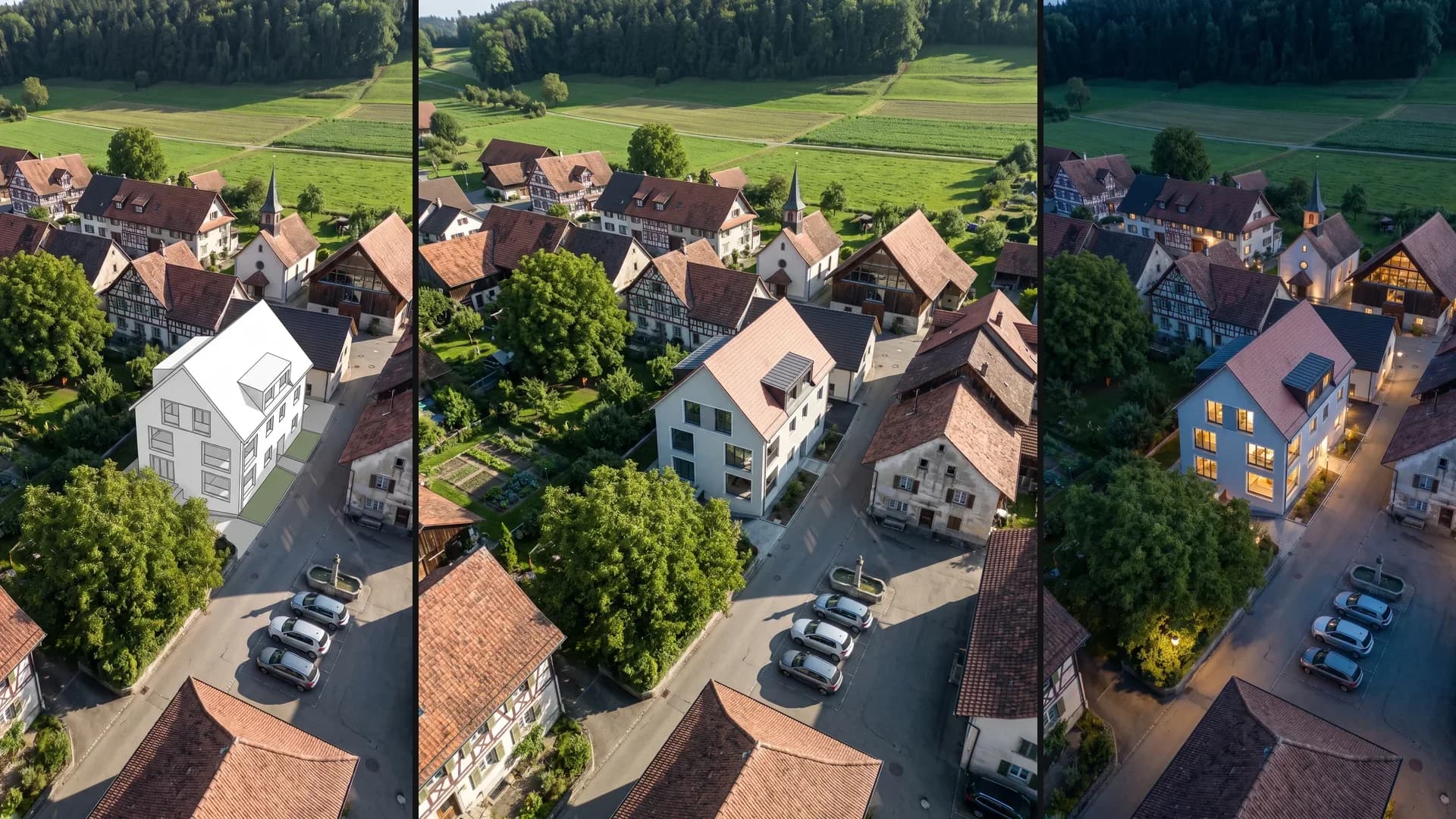
A white massing block in an aerial photo becomes a house in the village, followed by a material variant, winter and night.