We are developing a direct Vizera integration for ArchiCAD. Render from the 3D view, receive photorealistic images in seconds and place them directly in your layouts. You can already use the manual export workflow today.
Sign up now and be among the first to access the direct ArchiCAD integration.
Join the waitlist — the more interest there is, the sooner we will build the integration.
You can already use Vizera with ArchiCAD today through manual export
Set your preferred 3D view in ArchiCAD. Choose the perspective, framing and exposure.
Choose File → Save as → Image, then select BMP, PNG or JPG and the resolution you need.
Upload the image to Vizera and receive a photorealistic rendering in seconds.
How it will work soon — one click from the 3D model to a photorealistic image
Open the Vizera panel directly in ArchiCAD. No separate application required.
One click is enough. Vizera renders your current 3D view photorealistically.
Place the photorealistic rendering directly in your ArchiCAD layouts.
From an ArchiCAD export to a photorealistic rendering in seconds.
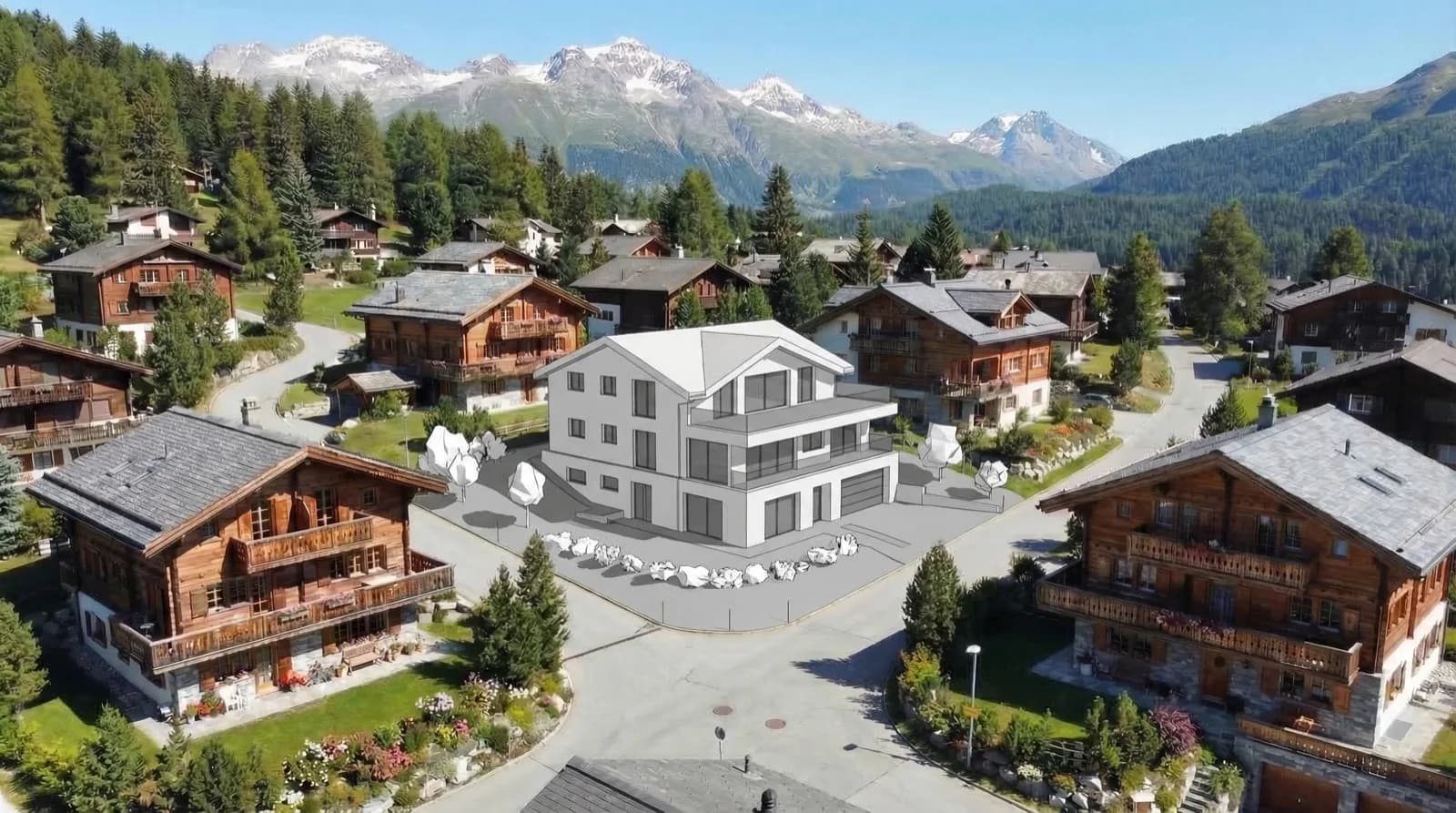
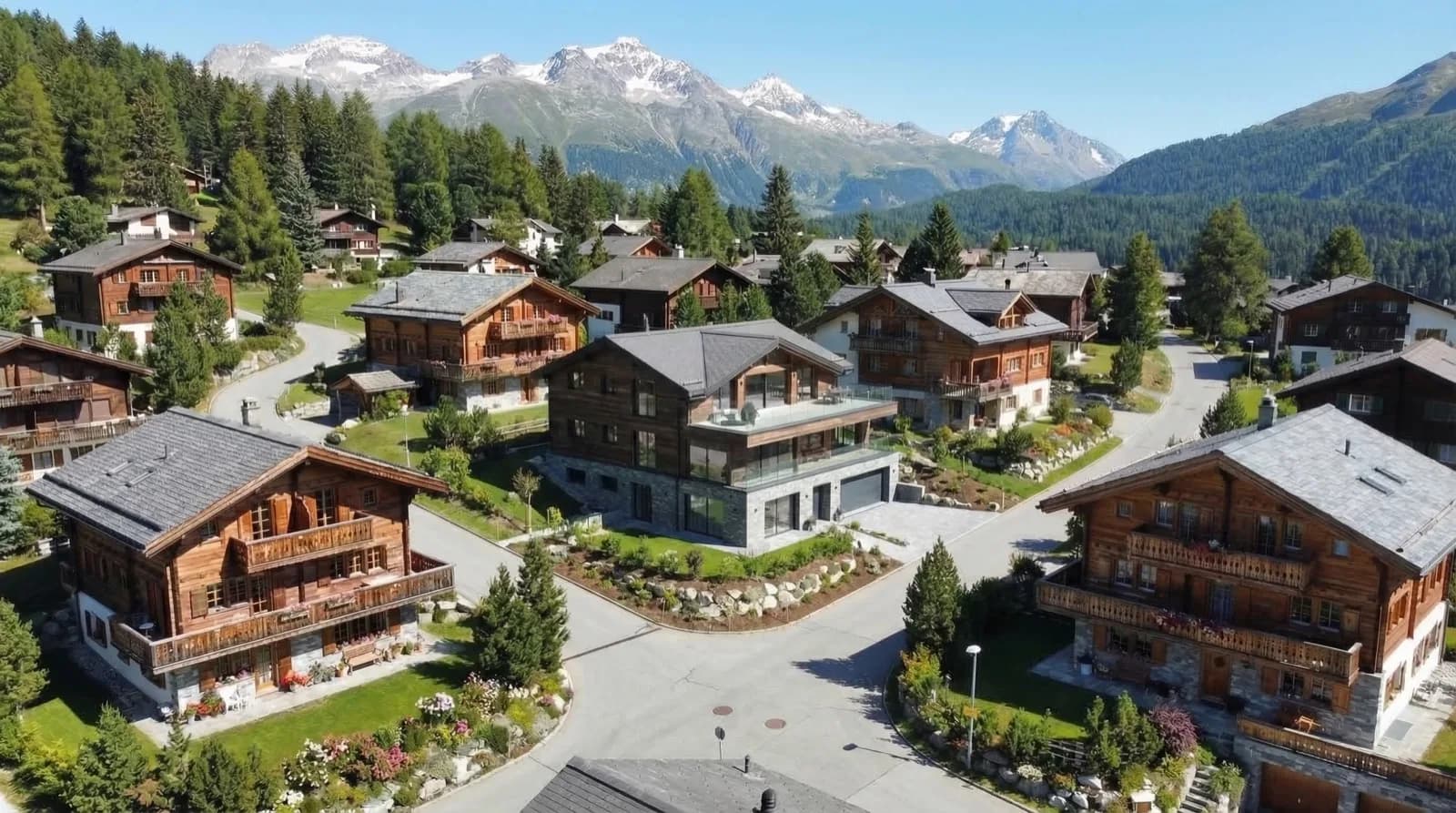
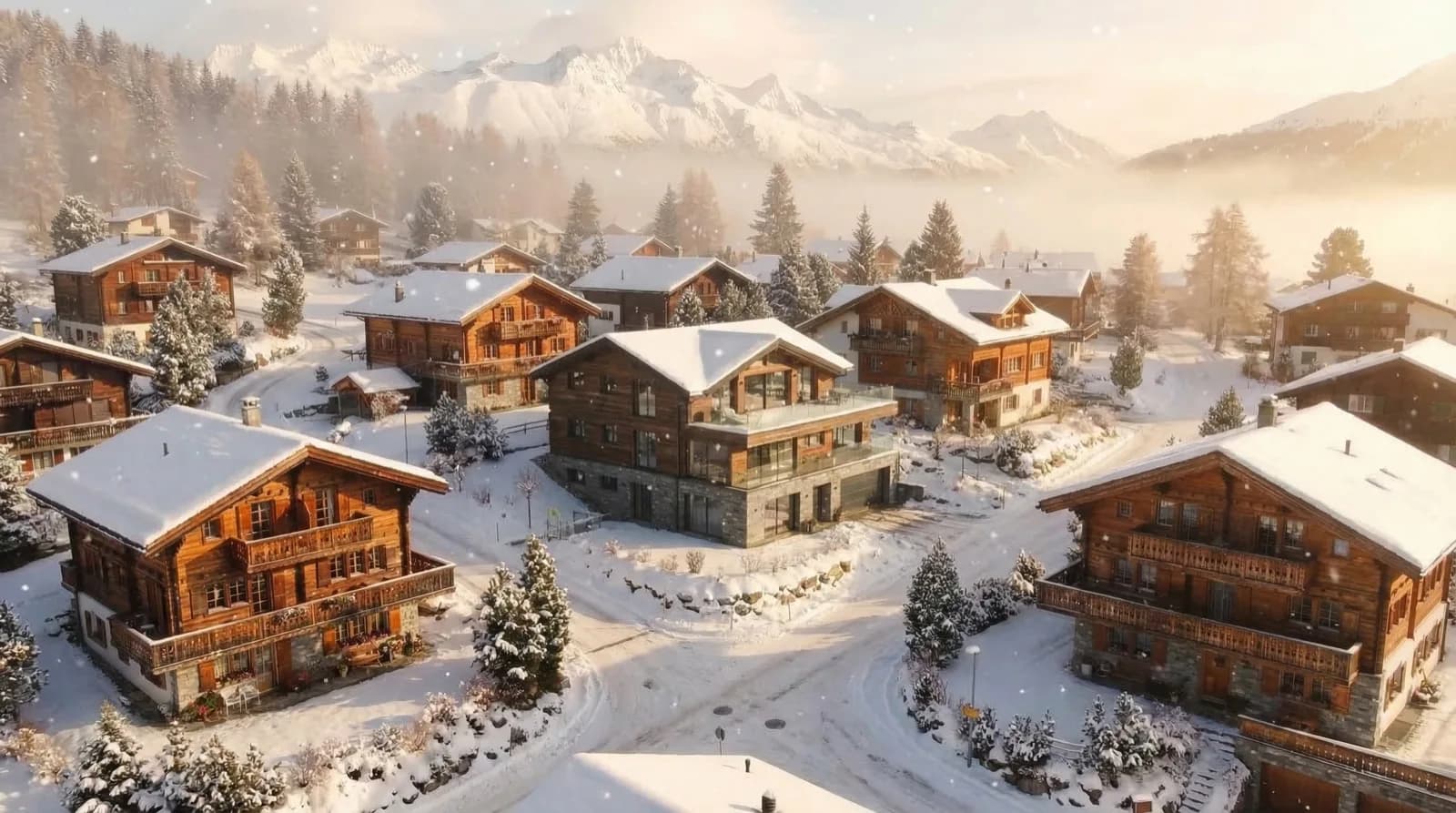
The fastest way to create photorealistic renderings from ArchiCAD
No exporting or uploading. Render from the 3D view in one click.
Hosted in Europe — Swiss hosting in preparation. Swiss provider, Swiss data protection law.
Specialized for architecture, with automatic recognition of materials, lighting and context.
Place renderings directly in ArchiCAD layouts, ideal for plan sets and presentations.
We don't train models with your images or projects.
Personal support in Switzerland, with answers within hours and in your language.
Perfect for every ArchiCAD workflow
Export from ArchiCAD in any of these formats
Lossless, native ArchiCAD export format
Lossless, recommended for the best quality
Compressed for faster uploads
Sign up for early access and be among the first to use Vizera directly in ArchiCAD. The manual workflow already works today.
